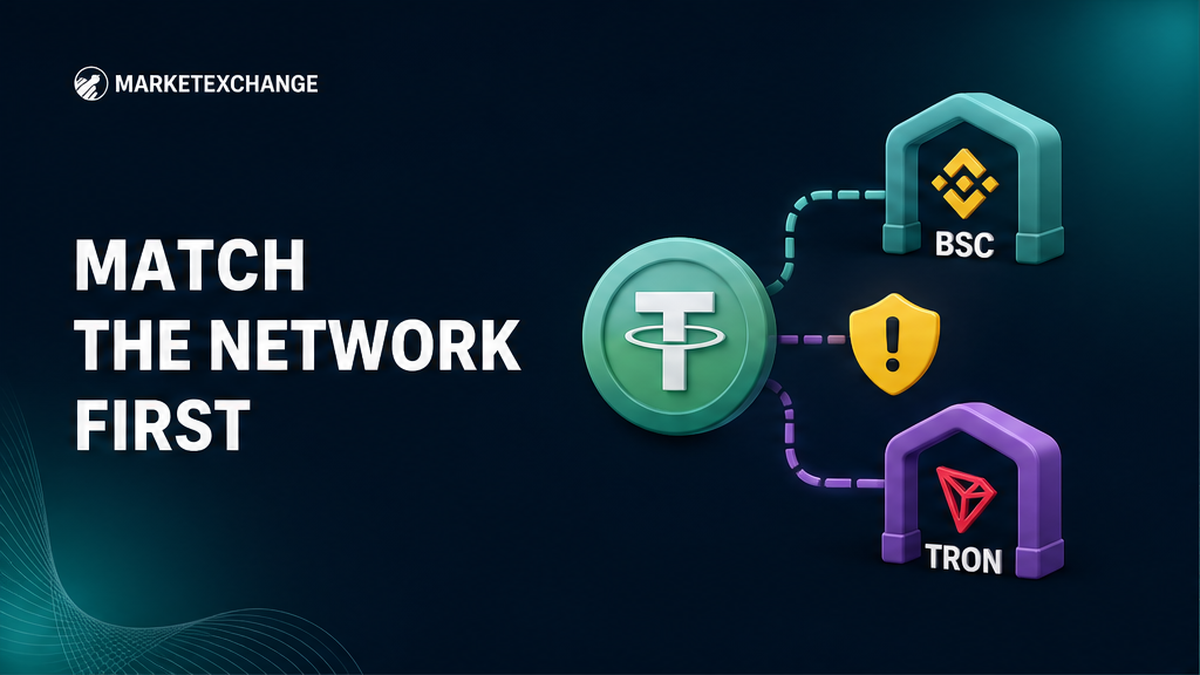

Choosing USDT BEP-20 or TRC-20 by habit can leave a deposit uncredited even when the ticker says USDT on both screens. Open the receiving wallet or exchange first and copy its exact network label. Then match the sending side, fee asset, token, address and current order to that label. The workflow below gives you a clear send, convert or stop decision before any funds leave your wallet.
Summary: The receiving platform decides which USDT network you can use. Send BEP-20 only to a destination that explicitly accepts BNB Smart Chain or BEP20, and send TRC-20 only where TRON or TRC20 is shown. Match the route on both sides, check the live fee, and stop instead of guessing when any label differs.
USDT is the asset, while BEP-20 and TRC-20 are the rails carrying it. Think of USDT as a parcel and the network as the delivery company: matching parcel names do not make two delivery systems compatible. A normal send cannot change those rails. Ask which network this exact recipient accepts now; compare fees only if both options work.
Let the receiving screen choose BEP-20 or TRC-20
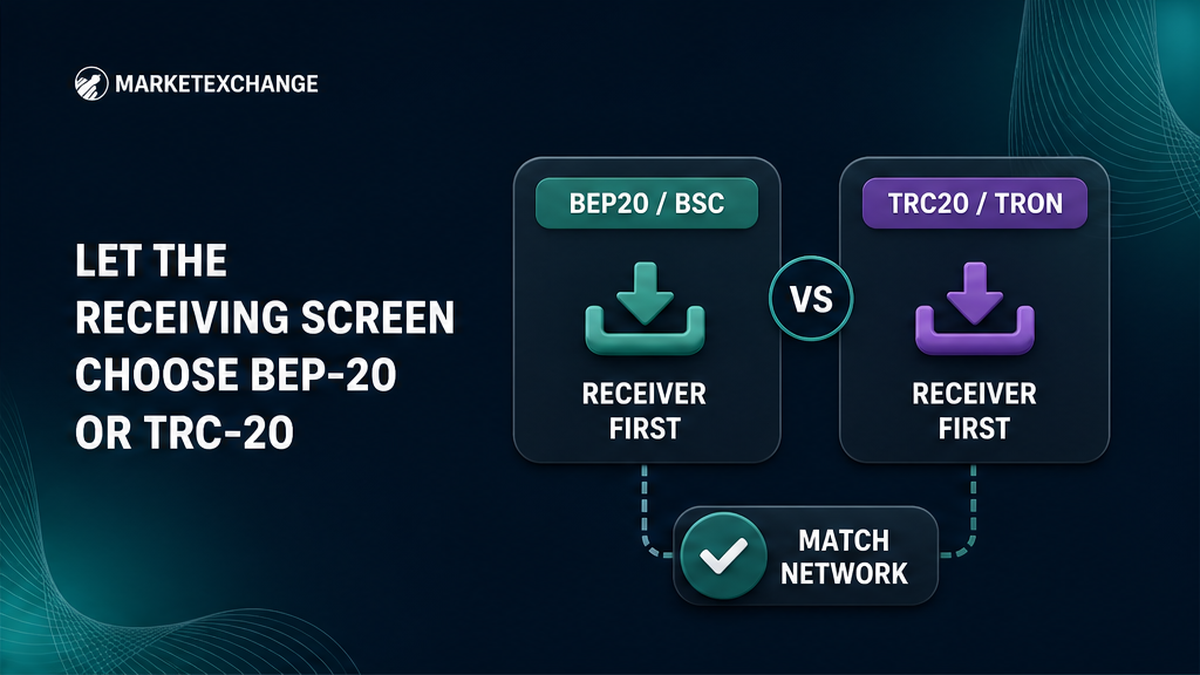
Start at the account or wallet that must credit the transfer. If its Receive screen does not list a network, do not use it even if your sender offers it.
- Open the destination’s current Receive or Deposit screen.
- Select USDT and record the complete network label.
- Confirm BNB Smart Chain, BSC or BEP20, or TRON or TRC20.
- Open the sending USDT details and identify its network.
- Send directly only when both sides show the same network.
- Use an explicit conversion when the networks differ.
- Prepare the fee asset and review live fee, minimum and receipt.
- Stop if the asset, network, address or order does not match.
The shared ticker “USDT” does not prove compatibility. Pasting a BSC address cannot turn USDT on TRON into USDT on BNB Smart Chain. That requires an explicit conversion route.
Pre-send workflow: Open destination deposit → record exact network label → confirm source network → choose same-network send or explicit conversion → check address and token → check live fee and BNB or TRX readiness → select the exact order → send or stop.
Compare the route, address clue and fee asset before choosing
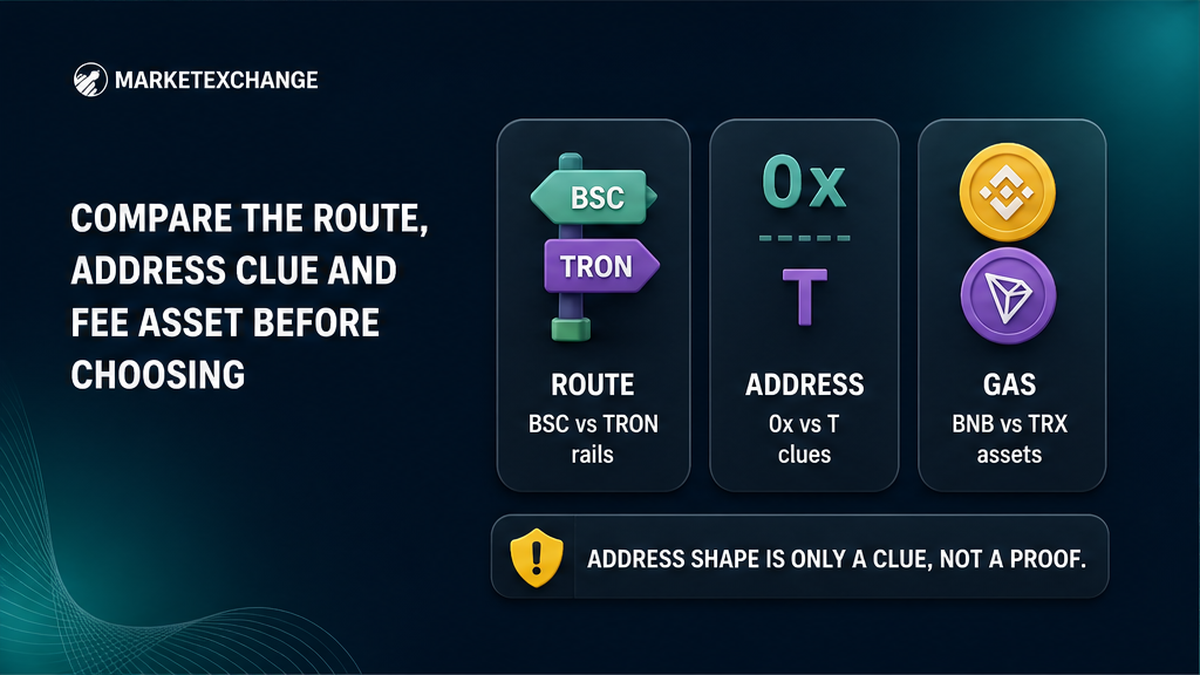
Use this as a rejection checklist, not a winner ranking. Neither network is automatically cheaper, faster or safer for every sender and recipient.
| Decision field | USDT BEP-20 | USDT TRC-20 |
|---|---|---|
| Destination must explicitly show | BNB Smart Chain, BSC or BEP20 | TRON or TRC20 |
| Blockchain used | BNB Smart Chain | TRON |
| Address clue | Usually 0x, but other networks use it too | Usually starts with T |
| Self-custody fee requirement | BNB pays the network gas | Bandwidth and Energy, or TRX when resources are insufficient |
| Extra identity check | Confirm the supported BSC token contract | Confirm USDT on TRON from the platform or official token source |
| Choose when | Both sides support the BSC network and token | Both sides support TRON for this deposit |
| Stop when | BSC or BEP20 is absent, or the token contract is unclear | TRON or TRC20 is absent from the destination |
Gas is the chain’s processing charge. In a self-custody wallet, where you control the keys, BEP-20 needs BNB. TRC-20 consumes TRON Bandwidth and Energy; if they are insufficient, TRX is burned. Holding only USDT may therefore be insufficient.
An exchange sets its own withdrawal fee, which may differ from the blockchain cost. Compare the live fee, minimum and “you receive” amount. Ignore dollar figures from old guides.
Decision: Choose a network the destination explicitly supports and match it at the source or through a conversion route. If both work, compare live total cost and where you need USDT next. Address shape alone cannot decide.
Confirm the BSC token and do not trust 0x alone
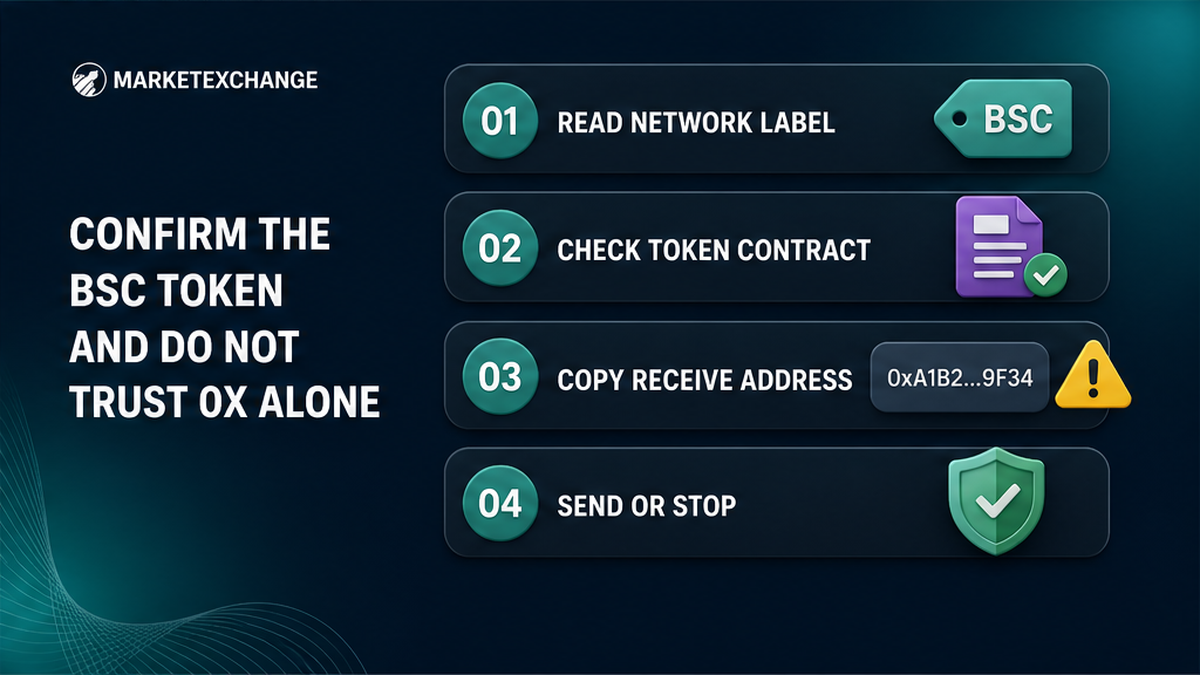
A user-facing TRON address normally begins with T. BNB Smart Chain uses the 0x format shared by several Ethereum-style networks. Therefore, a valid 0x address does not prove BSC support. Treat a clear format mismatch as a stop signal, but let the written network label make the decision.
BSC also needs a token identity check. A token contract is its blockchain barcode. BscScan labels the widely used contract 0x55d398326f99059fF775485246999027B3197955 “Binance-Peg BSC-USD”. Tether’s protocols page lists TRON USD₮ but no separate USD₮ BSC contract. Verify the BSC contract with the destination’s official documentation and BscScan.
Never send to a token contract. Use it only to verify or display the token. Copy the recipient address from the current Receive screen, and stop if the accepted BSC token is unclear.
Select the exact MarketExchange asset and conversion route
MarketExchange treats network versions as separate selections. USDTBEP20 means USDT on BNB Smart Chain. USDTTRC20 means USDT on TRON. BNBBEP20 means BNB on BNB Smart Chain, not USDT. Read the whole label instead of stopping at “BEP20”.
If you hold USDTTRC20 but the recipient accepts only USDTBEP20, choose an explicit conversion such as USDTTRC20 → USDTBEP20. The route USDTTRC20 → BNBBEP20 instead pays out BNB. Read the receive asset fully.
Copy the payout address from the destination’s current BSC Receive screen. Fund the order with the exact source asset, network and amount shown. MarketExchange is non-custodial, meaning it does not keep a standing balance for you; current order details connect the deposit to the payout.
Once labels match, open the MarketExchange exchange widget and select the exact assets. Never reuse an old order address or assume a pair URL changes your wallet’s network.
Check the live fee, address and order before funding
Pause on the final confirmation screen. Read current fields because fees, minimums and availability can change.
- Confirm the destination accepts the selected USDT network.
- Confirm the source is on that network or matches the conversion input.
- Compare the full address, not only its first and last characters.
- Check the contract if a BSC wallet needs a custom token.
- Keep enough BNB for BEP-20 or enough TRON resources and TRX for TRC-20.
- Read the live fee, minimum and expected received amount.
- Save the MarketExchange Order ID before leaving the order tab.
- Fund only the deposit address, asset, network and amount shown in that current order.
For a new route, consider a small test only if it meets all displayed minimums. Use the same networks and recipient, then wait for actual credit. If any field changes, stop and compare again. Never let a chat screenshot or autofill override the live order.
If USDT is not showing, stop and identify address control
Explorer success means the chain recorded a transfer, not that an exchange supports or credited the token. “USDT sent on BEP20 not showing” may mean a hidden wallet token, unsupported exchange deposit or wrong order network. First identify who controls the destination.
| Situation | First action | Do not do |
|---|---|---|
| Your self-custody wallet | Check network and TxID on the matching explorer, then use the wallet’s official token-display steps | Do not enter a recovery phrase on a recovery website |
| Exchange deposit not credited | Save transfer details and contact the receiving exchange | Do not assume confirmation forces a credit |
| MarketExchange order funded incorrectly | Save Order ID and TxID, then contact official support | Do not send a “correction” payment |
| Networks differ before sending | Select an explicit conversion route or stop | Do not paste an address from another chain and expect an automatic bridge |
TxID is the blockchain receipt. Save it with the asset, network, amount, addresses and Order ID. Contact your wallet provider for display help, the receiving exchange for its policy, or official MarketExchange support for an affected order.
Do not resend, share a seed or private key, or pay a stranger promising recovery. Recovery depends on the chain, token, address and recipient policy. It may be unavailable or cost extra.
Frequently asked questions
Is BEP-20 cheaper than TRC-20?
Not always. First confirm that the recipient supports both, then compare the live fee, minimum and expected amount. For self-custody, include the BNB or TRX requirement.
Can I send USDT BEP-20 to a TRC-20 address?
No, not as an ordinary transfer. Match both sides or use an explicit conversion. If already sent, stop, save the TxID and contact the destination controller.
Does a 0x address mean BEP-20 is supported?
No. Many networks use 0x addresses. Send on BSC only when the destination explicitly says BNB Smart Chain, BSC or BEP20 and supports the token.
Why do I need BNB or TRX when I already have USDT?
The chain charges to process USDT. Self-custody BEP-20 uses BNB for gas. TRC-20 uses Bandwidth and Energy, with TRX burned if resources are insufficient.
Why is BEP-20 USDT not showing in my wallet?
Check the TxID on BscScan and confirm the address and token contract. Then use the wallet’s official display steps. Do not resend or enter your seed elsewhere.
Can MarketExchange convert TRC-20 USDT to BEP-20 USDT?
Select USDTTRC20 → USDTBEP20 when available and follow the current order. Confirm the receive asset is USDTBEP20, not BNBBEP20, before funding.