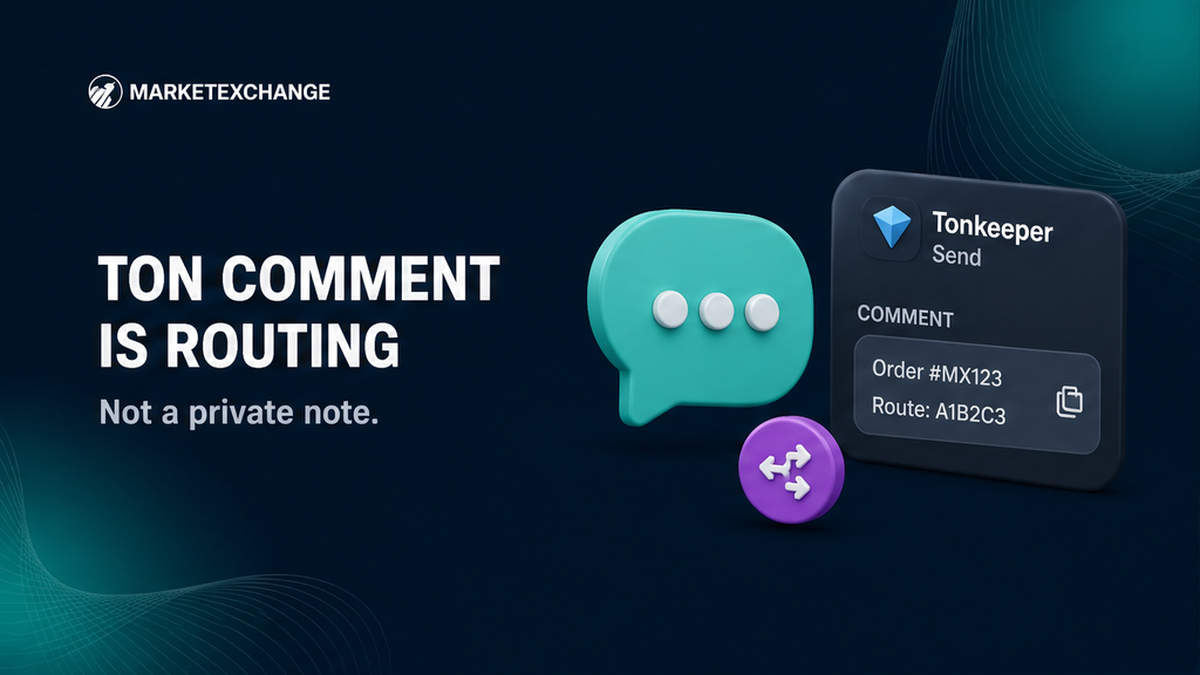

Sending TON from Tonkeeper to a MarketExchange order can look complete while the swap remains uncredited. The usual issue is a missing routing comment, not a failed blockchain transfer. Open the current order, check whether it shows a deposit memo or comment, copy that exact value, and paste it into Tonkeeper’s Comment field.
Summary: A TON Comment can be an on-chain routing ID, not a private note. Use the value shown by the current MarketExchange order only when the order provides one, and send it as plaintext from Tonkeeper. If you already sent TON without a required comment, stop sending more, save the Order ID and TxID, and contact official support.
TON transfers to a personal wallet normally do not need a memo. A swap may use a shared address, where the comment identifies the order. The live order decides whether an extra identifier is required. The app may appear as Keeper in some interfaces, but the TON sending flow can still show a Comment field.
How to check whether this order shows a TON comment
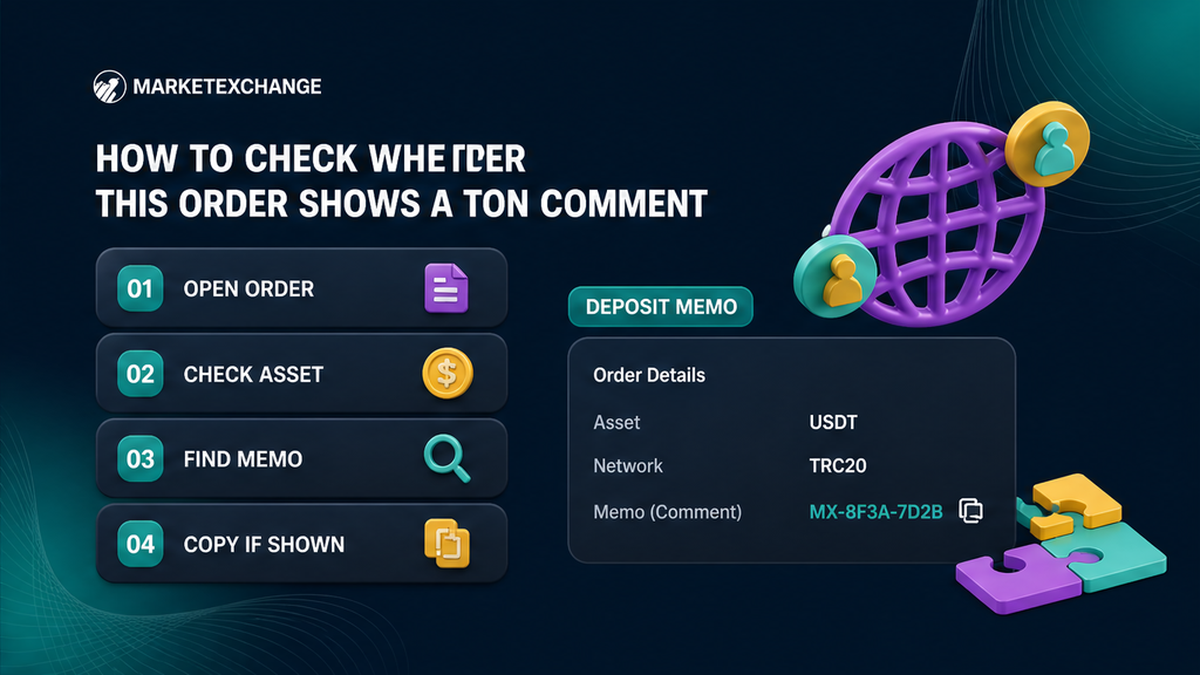
Open the live MarketExchange order before Tonkeeper. Confirm the asset and network, then inspect the deposit details for an extra field such as memo, tag, comment, or deposit address memo. Do not reuse a value from an old screenshot or previous order.
- Open the order page and verify the Order ID.
- Check whether the asset is native TON or a TON-network jetton.
- Compare the order’s network with the network selected in the wallet.
- Find the deposit address and inspect the fields beside or below it.
- If a non-empty memo, comment, or tag appears, copy it exactly.
- If no extra value appears, do not invent one; follow the order’s instructions.
- Keep the order page open while preparing the transaction.
In MarketExchange API documentation, depositAddress.depositAddressMemo is the deposit memo, tag, or comment, and must be included when provided. The field can also be null. A null value is different from one you forgot to enter.
Do not confuse depositAddress.depositAddressMemo with destinationAddressMemo. The deposit comment belongs to the payment sent into the order. A destination memo belongs to a payout address when the receiving network requires one; it does not replace a TON deposit comment.
Copy the exact address shown by the order. TON mainnet addresses can appear in equivalent bounceable and non-bounceable forms, including EQ and UQ formats. Do not manually convert or copy an address from another transaction.
Checklist: copy the comment from the current order
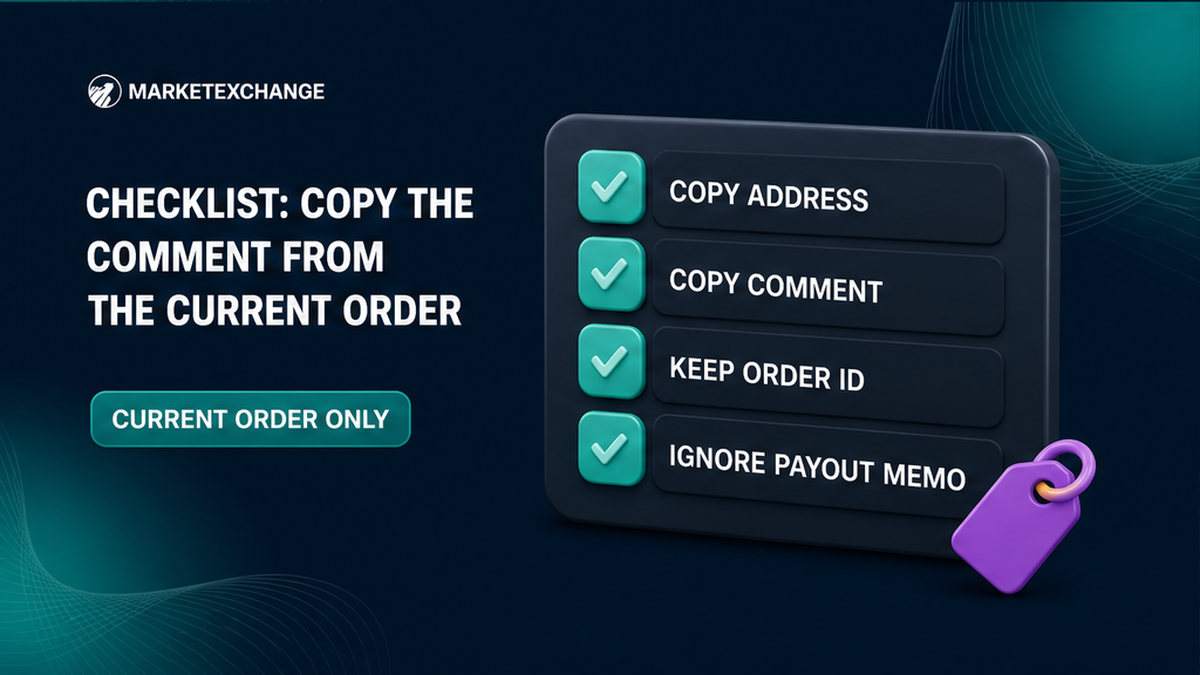
Use the copy control or select the complete value from the live order. After pasting it into Tonkeeper, compare the first and last characters, especially when it contains digits or mixed letters. Never type the identifier from memory.
| Order detail | What to do |
|---|---|
| Deposit address | Copy it from the current order without editing. |
| Deposit memo/comment | Copy it only when the current order displays one. |
| Order ID | Keep it for tracking and support; do not substitute it for the memo unless the order says they are identical. |
| Destination memo | Use it only for the payout side when specifically required. |
Workflow: live MarketExchange order → deposit address and extra field → copy deposit comment → Tonkeeper Send → paste address → paste Comment → review asset and network → confirm only after both fields match.
Step-by-step: paste the value into Tonkeeper Comment
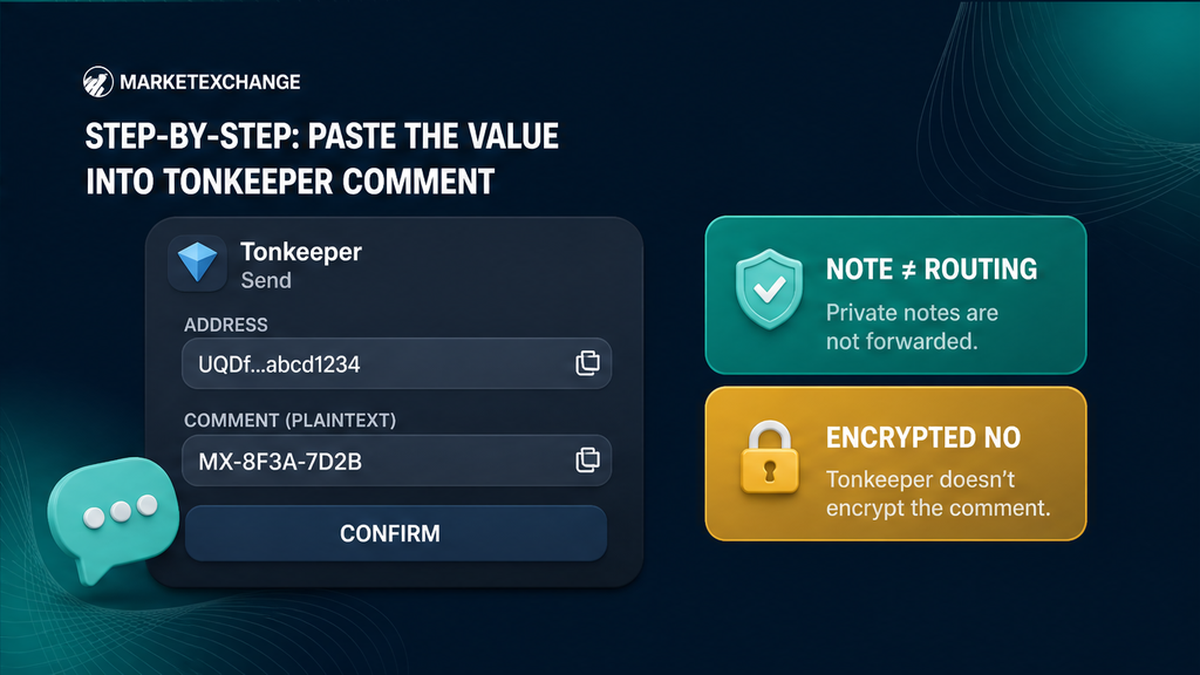
Open the send screen in Tonkeeper, paste the order’s deposit address into the recipient field, and paste its extra identifier into the field labelled Comment. Review the transaction before signing. Do not place the routing value in a private wallet note, encrypted comment, contact name, or unrelated field.
- Open Tonkeeper or Keeper and select the asset required by the order.
- Choose Send and paste the address from the live order.
- Check the address and do not edit it.
- Locate Comment, Message, or the equivalent plain-text field.
- Paste the deposit comment without a greeting, punctuation, spaces, or extra words.
- Enter the amount and review the network and asset again.
- Sign only after the address, amount, and plaintext comment match the order.
On TON, a plaintext comment uses the standard comment opcode followed by UTF-8 text. An encrypted comment uses a different opcode and hides the text. For exchange routing, use the ordinary plaintext Comment field requested by the order.
A local transaction note may help you remember why you sent funds, but it is not the routing comment parsed by the recipient. If Tonkeeper cannot enter the required plaintext comment, stop before signing. For a TON-network jetton, follow the order’s instructions because its identifier may be carried in a forward payload.
When to test a large amount with a small transfer
Consider a small test transaction before sending a large amount, then wait for the test to be credited or otherwise confirmed by the order workflow before sending the remainder.
Do not split a Fixed-rate order into multiple transfers without checking its terms. MarketExchange states that late sends, wrong amounts, wrong networks, and multiple transactions can lead to recalculation, a refund minus applicable fees, or rejection where processing is not technically possible. A test must use the same address, asset, network, and comment format as the intended payment.
Decision path: large amount → current order shows a comment → wallet supports plaintext Comment → send a small test if appropriate → verify the test and order credit → send the remainder only when the order permits it.
After sending, inspect the transaction hash on an explorer for the same network. Check the destination address, amount, status, and visible plaintext comment. See how to find and check a crypto transaction ID if needed. MarketExchange Terms state that exchanges are processed within 30 minutes to 72 hours. This is a processing range, not a promise that missing or incorrect routing data will credit automatically.
When to stop if the comment is missing
Stop sending additional funds, save the MarketExchange Order ID, copy the TON TxID, and contact the official MarketExchange support route. Do not send a second transaction to fix the first one or trust an unofficial account promising recovery.
- Stop and do not send the missing comment in a new transfer unless official instructions require it.
- Save the MarketExchange Order ID and order details.
- Save the TON transaction hash, amount, asset, destination address, and approximate send time.
- Check the explorer for the included plaintext comment and its contents.
- Contact MarketExchange through the official support page with the Order ID and TxID.
- State whether the comment was blank, incorrect, encrypted, from another order, or placed in a local note.
- Wait for instructions instead of creating replacement transfers.
MarketExchange support is listed as available 24/7. The published email is [email protected], and the official Telegram channel is t.me/Marketexchange_io. Use only official contact details. Never share your seed phrase, private key, wallet password, or remote-screen access.
MarketExchange Terms of Use section 2.12 says the user is responsible for the wallet address, network, MEMO, Destination Tag, Payment ID, and other required details. Recovery, where technically possible, may carry additional fees and is not guaranteed. The AML refund administration charge of up to 5% is discussed separately in the refund and AML context, not as a missing-comment fee.
MarketExchange is non-custodial, so the transaction is signed from your own wallet. Once sent, Tonkeeper cannot cancel or modify it. If the wallet says Sent, the coins have left the wallet; only the receiving service can investigate missing routing data.
Frequently asked questions
Is a TON comment the same as an XRP destination tag?
They serve a similar routing purpose, but they are not the same technical field across networks. For a MarketExchange TON deposit, use the value shown by that order in Tonkeeper’s plaintext Comment field. Do not copy an XRP example.
Can I recover TON sent without a required comment?
Contact official support with the MarketExchange Order ID and TON TxID, but do not assume recovery is guaranteed. Section 2.12 places responsibility for required identifiers on the user and says technically possible recovery may carry additional fees. Stop sending more funds while the first transaction is investigated.
Does BTC need a comment for a MarketExchange swap?
Do not transfer the TON rule to BTC. Check the live order for the selected BTC network and any extra instruction. If no memo or tag is displayed, do not invent one.
Is a Tonkeeper transaction note enough for a swap?
No. A local note is for your own records and may not be transmitted. When routing data is required, paste it into the outgoing transaction’s plaintext Comment field. An encrypted comment is unsuitable when the service must read the identifier.
What if the MarketExchange order does not show a TON comment?
Use the address and instructions displayed by the current order without inventing a memo. Some TON flows use a unique deposit address and need no extra identifier. If unclear, ask official support before sending.
Can I use the same comment for another MarketExchange order?
No. Copy the deposit comment from each live order separately. MarketExchange states that a unique identifier is generated per transaction, so an earlier value may fail to match the new order.
Disclaimer: The material in this article is not financial or investment advice. Everything stated here reflects the author's personal view and should not be treated as a recommendation to trade or invest. We make no warranties regarding the accuracy, reliability or completeness of the information presented. Cryptocurrency markets are highly volatile and can move unpredictably. Before committing any funds, every investor, trader or crypto user should study several independent sources and check the regulations that apply in their own jurisdiction.