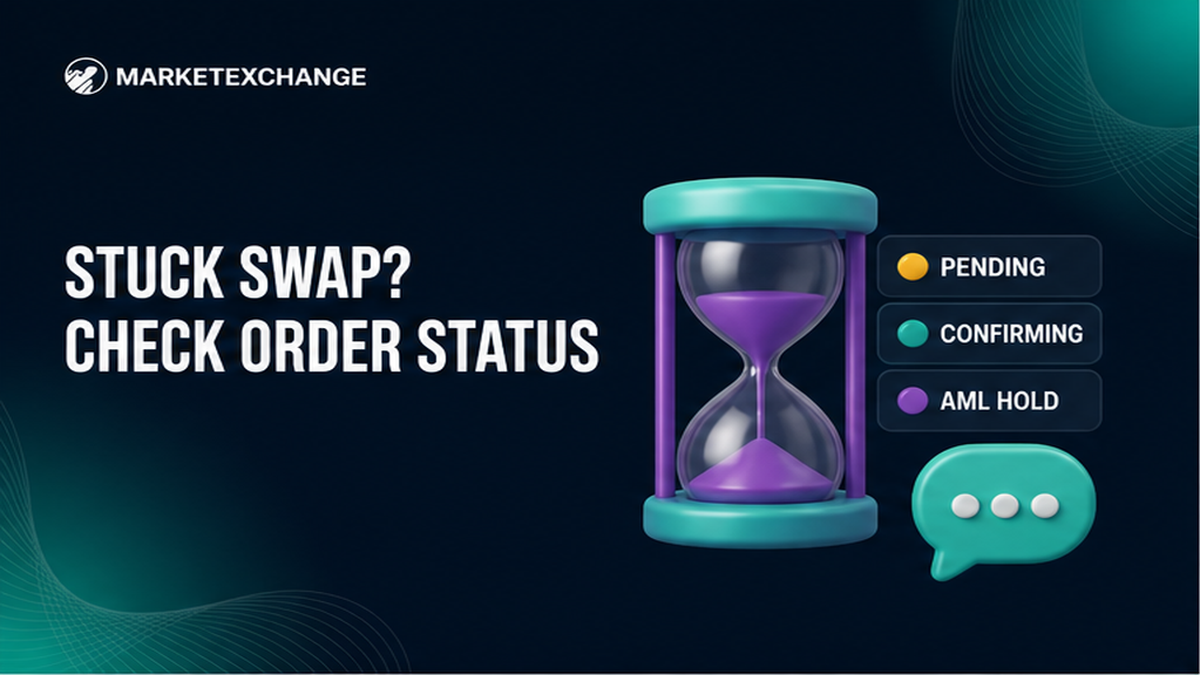

Your swap says pending and the receive wallet is still empty. Before you panic-send again, run a short order status checklist: copy the Order ID, confirm the deposit TxID on the same network explorer, then look for a payout TxID on the receive side. In a few steps you will know whether you are waiting on chain confirmations, an AML hold, a Fixed or Floating mismatch, or a wrong address – and what to send to official support if a human is needed.
Summary: If a crypto swap looks stuck, start on the live order page: save the Order ID and the exact status label. Check the deposit TxID on the sending chain, then look for a payout TxID on the destination chain. Do not resend to the same deposit address, and never share a seed phrase with anyone who messages you first.
A “stuck” swap is rarely one problem. Coins may still be confirming on the blockchain (the public ledger of transfers), the order may wait on compliance review, or the send used the wrong network or missed a required memo. MarketExchange is an instant conversion service: pick pair and network, choose Fixed or Floating, paste a destination, and track the order. Use official pages only – not chats that promise to “unstick” funds.
How to confirm the Order ID and what the status label means
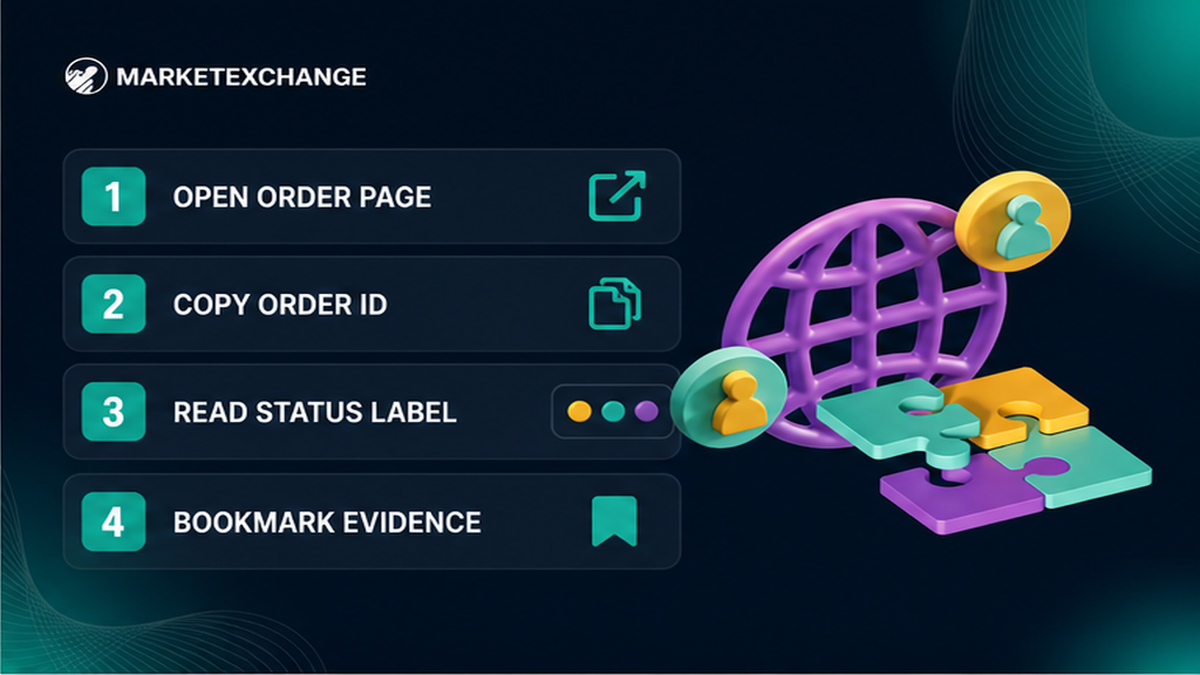
Open the live order page from the link you got when the exchange started. Do not trust a cropped chat screenshot. Copy the Order ID into a notes app, then write the status text exactly as shown – waiting for deposit, confirming, exchanging, completed, on hold, or similar. Treat the Order ID like a service-desk ticket: “I sent USDT yesterday” is not enough to pick the right chain or deposit.
- Open the live order URL from email or browser history for this swap.
- Copy the Order ID and the full status label into a note.
- Note send asset, receive asset, networks, amount, and destination address from the same page.
- Bookmark the page so you do not lose the Order ID.
- If you cannot find any Order ID, stop sending more coins and use only official support on the site.
Do: treat the order page as the source of truth. Do not: invent a status from memory or from a stranger’s DM.
2. Check send-side confirmations vs receive-side credit
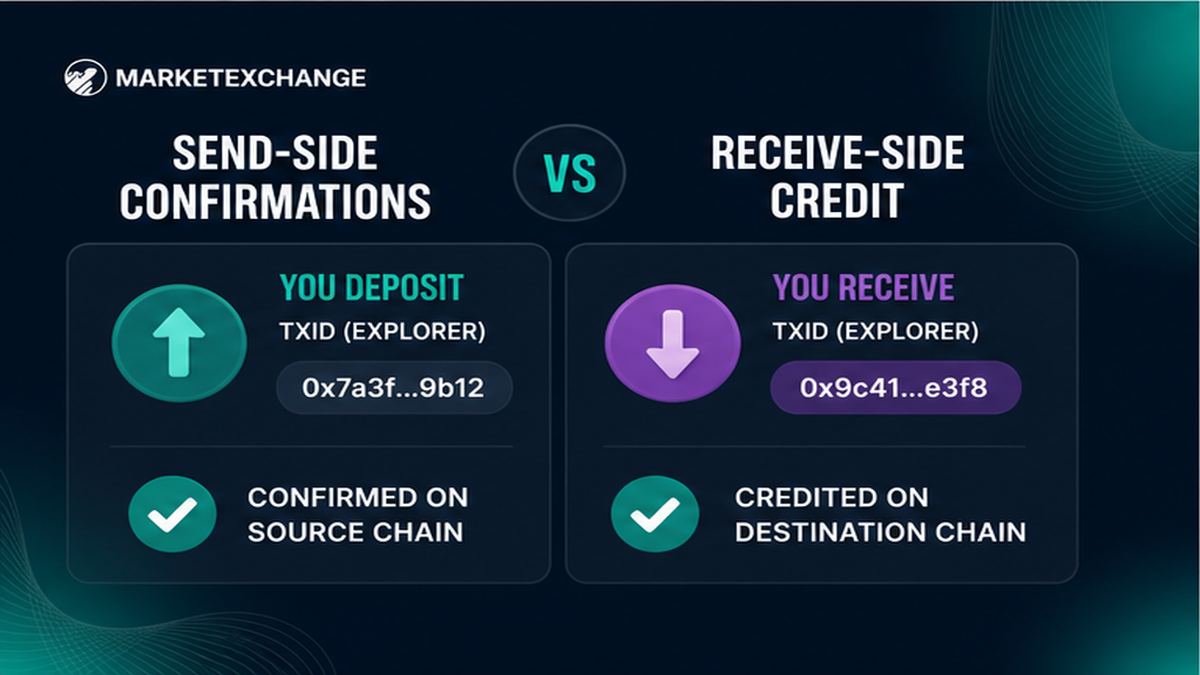
Simple split used across the industry: if there is no TxID (transaction ID – the hash of a transfer), the delay is often still inside a platform or wallet broadcast. If a TxID exists, verify it on a blockchain explorer (a public search page for that network).
Workflow:
Order page → Deposit TxID from sending wallet → Explorer on the same send network → Payout TxID on the order (if any) → Explorer on the receive network → Wallet UI credit
Send-side deposit check
In the wallet or exchange that paid the deposit, find the outgoing transfer and copy its TxID. Paste it into an explorer for that exact network (TRC-20 is Tron’s USDT style; ERC-20 is Ethereum’s). Confirm status, destination equals the order deposit address, amount matches, and you did not use another chain. If your wallet shows pending with no TxID, wait for broadcast or check the sending platform’s withdrawal history. Wallet “speed up” tools only affect your pending broadcast – not an unpublished exchange payout.
Receive-side payout check
On the order page, look for a payout TxID. If it exists, open the destination-network explorer and confirm receive address and amount. On-chain success with no wallet credit often means UI lag, a missing memo or destination tag (extra ID some coins need, like an apartment number), or the wrong wallet account. If completed with a payout TxID, fix the wallet or memo side – do not send another deposit. If there is still no payout TxID, classify the cause next.
Do: verify deposit and payout as two separate legs. Do not: resend while the first deposit is still pending.
How to separate network delay from AML hold from a wrong address
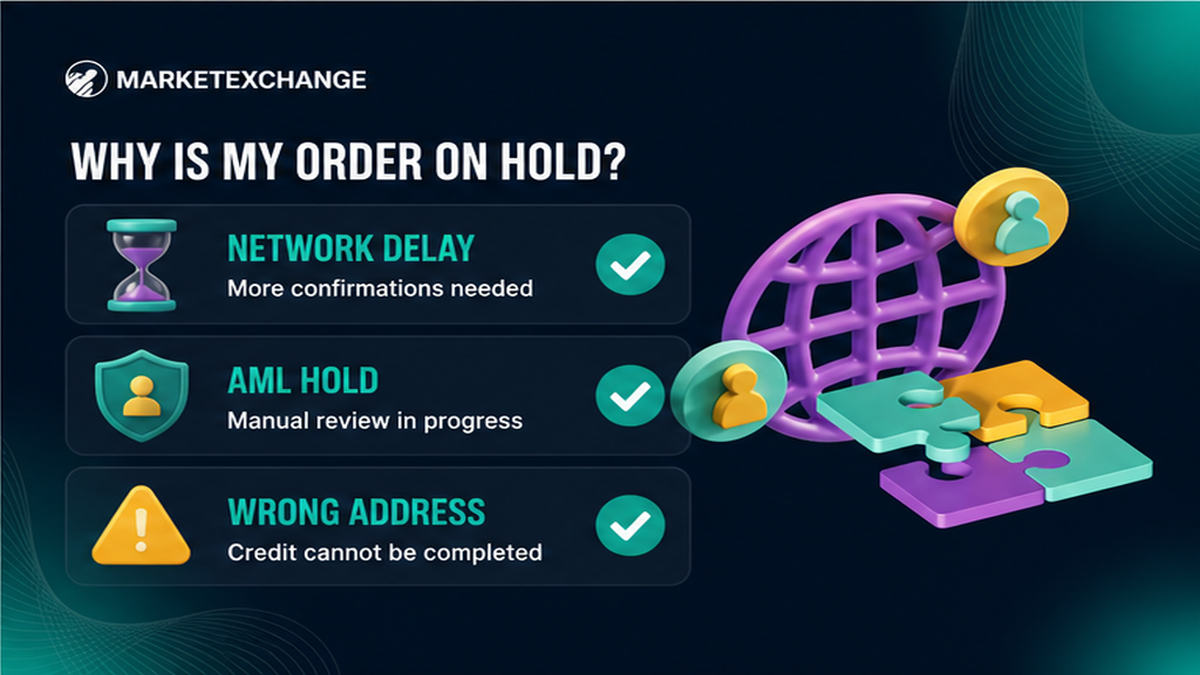
After you have Order ID, deposit facts, and any payout TxID, pick one primary cause before you message anyone.
| What you see | Likely cause | What to do next |
|---|---|---|
| Deposit TxID pending / few confirmations | Network congestion or slow chain | Wait on the same explorer; do not double-send |
| Deposit late, wrong amount, wrong network, or split txs on a Fixed order | Fixed-rate mismatch (Terms 2.2.1) | Expect recalculation, refund minus fees, or reject if impossible – lock period is “as shown on the Platform” |
| Floating order still open after deposit | Rate at LP receipt (Terms 2.2.2-2.2.3) | Watch order status; floating recalculates only downward |
| Paused order / documents / high-risk notice | AML or KYC hold (Terms 2.7-2.9) | Reply only via official channels; use the free AML check page |
| Wrong network, wrong address, or missing memo/tag | User detail error (Terms 2.12) | Stop sending; recovery is not guaranteed and may carry extra fees |
Fixed rate locks the quote for a limited period shown on the Platform. Late payment, wrong amount, wrong network, or split deposits can force recalculation or a refund path. Floating rate is set when the liquidity provider receives funds; the platform is not responsible for moves before completion, and floating recalculates only downward. AML (anti-money-laundering screening) and KYC (identity checks when required) are mandatory. An exchange may pause when risk labels look severe or overall risk is above 50%. Use the free pre-exchange check on the AML check page (AMLBot and Elliptic) and the AML policy.
Do: classify before you act. Do not: treat every delay as “the chain is stuck” or every hold as a scam.
4. When to wait vs when to open support with TxID
Wait when the deposit TxID is still confirming on the correct explorer and the order status matches that progress. Open support when the deposit is clearly confirmed, the order is silent or on hold without a clear next step, a payout TxID is missing after completion signals, or you need a claim path. Use only official channels via the MarketExchange support page (24/7 live chat), email [email protected], or the official Telegram listed there. Attach Order ID, deposit TxID, asset, network, time, and explorer screenshots. Never send a seed phrase, private key, or “wallet connect” approval. Cold DMs that ask for secrets or a second payment are common after a stuck swap – ignore them.
Do: one clear ticket with evidence. Do not: spam chats with no TxID.
Claim window checklist: 7 business days and what never to send to strangers
Per MarketExchange Terms 2.11, claims must be submitted within seven (7) business days after completion, with evidence – set a calendar reminder when the order finishes. If a refund is possible under Terms 2.10, it goes only to the original sending wallet after required checks. An administrative fee of up to 5% plus network and liquidity-provider fees may apply. There is no refund when authorities block assets. Wrong network or missing memo cases remain your responsibility under Terms 2.12 – recovery, if possible at all, may carry extra fees and is never promised. Access depends on region and account rules in the Terms (including EU/EEA restrictions); follow the published docs.
What never to send: seed phrase, private keys, authenticator codes, remote-desktop access, or a second deposit to a “recovery address” from a stranger.
When the stuck order is resolved and you need another conversion, create a fresh order in the MarketExchange swap widget, match ticker and network carefully, and save the new Order ID right away.
Do: claim inside 7 business days with Order ID + TxID. Do not: hand wallet secrets to anyone promising an unlock.
Frequently asked questions
How long should a MarketExchange swap take?
There is no single minute count to invent. Timing depends on deposit confirmations on the chosen network, Fixed or Floating rules, and whether AML or KYC review pauses the order. Track the order page and explorers instead of guessing.
What if my Bitcoin deposit is still unconfirmed?
Find the BTC TxID in the sending wallet, open a Bitcoin explorer, and wait for confirmations. Do not send a second deposit to the same address while the first hash is pending. If no TxID appears, check the withdrawal status on the platform you sent from.
Can I cancel a stuck crypto swap like a wallet pending transaction?
No. Wallet cancel or speed-up tools only replace your own pending broadcast. An exchanger order follows Fixed/Floating and AML rules: late or mismatched Fixed deposits may be recalculated, refunded minus fees, or rejected if impossible – not a MetaMask-style cancel.
What does crypto exchange order pending usually mean?
Pending can mean waiting for deposit, waiting for confirmations, exchanging after deposit, or waiting on compliance. Copy the exact label from the order page, then check whether deposit and payout TxIDs already exist.
My swap shows completed but I have not received funds. What now?
Copy any payout TxID, verify it on the destination explorer, and confirm address plus memo/tag. If the chain shows success, refresh or resync the wallet. If there is no payout TxID, open official support with Order ID and deposit proof inside the claim window.
Should I run a free AML check before my next swap?
If you worry about flagged coins, use the free chat check on the AML page with address or TxID, asset, and network before you send. Still match network and memo on the order itself.
Who can help if fake support messages me?
Ignore cold DMs. Use live chat or [email protected] from the official support page only. Real support never asks for a seed phrase.