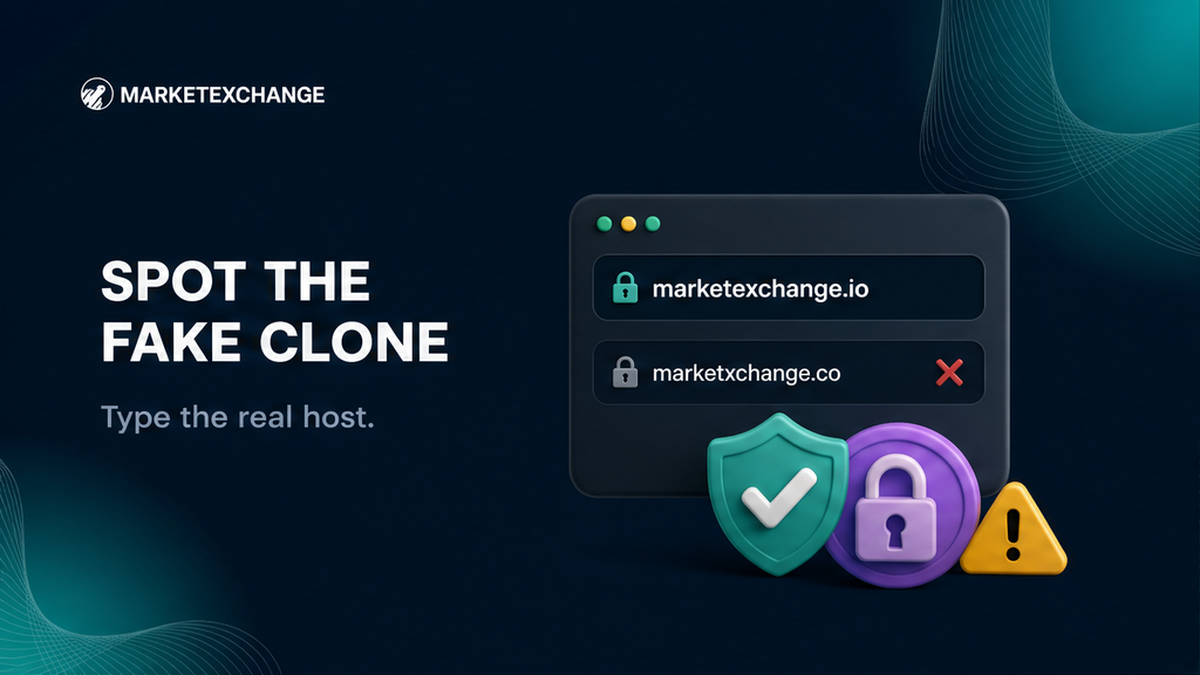

A familiar swap widget, a padlock, and a sponsored result can make a phishing exchanger look convincing. Before entering an amount or wallet address, close the incoming link, type marketexchange.io yourself, compare the hostname character by character, and verify the widget, footer, and support links.
Summary: The real MarketExchange hostname is exactly marketexchange.io. Type it manually or use a bookmark created after checking the address. Confirm that the widget, documents, footer, and support links stay on that hostname. A padlock is not proof of identity, and a swap page must never ask for a seed phrase or private key.
Use this sequence: close the inbound link → type the official hostname → read the domain → inspect the widget → verify support and footer → cross-check one outside card → create the order.
Type or bookmark the official hostname before you open a swap
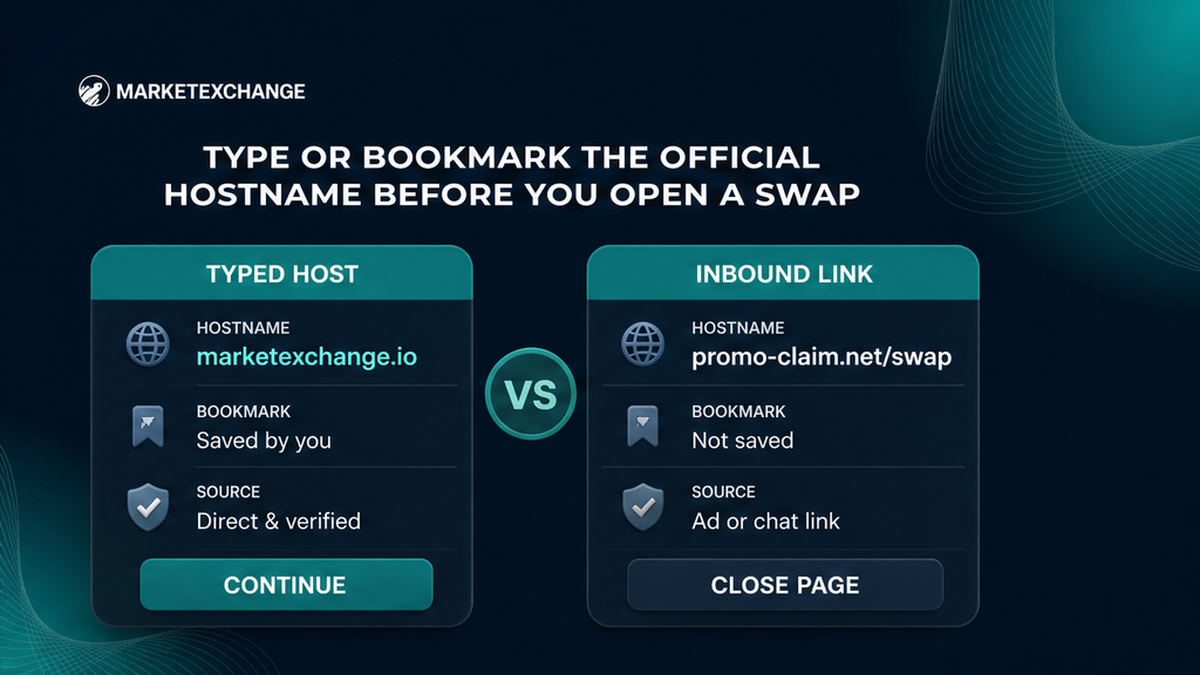
Start from a new browser tab and type marketexchange.io. Create a bookmark only after checking the hostname. The English canonical site is the root address; a Russian page may use /ru/ on that same host. A different domain is not a language variation.
Do not start from an advertisement, email button, QR code, Telegram post, forum reply, or random chat link. Paid search placements can imitate a known brand. For help, open MarketExchange Support from the manually typed site.
Check spelling, hyphens, and the top-level domain
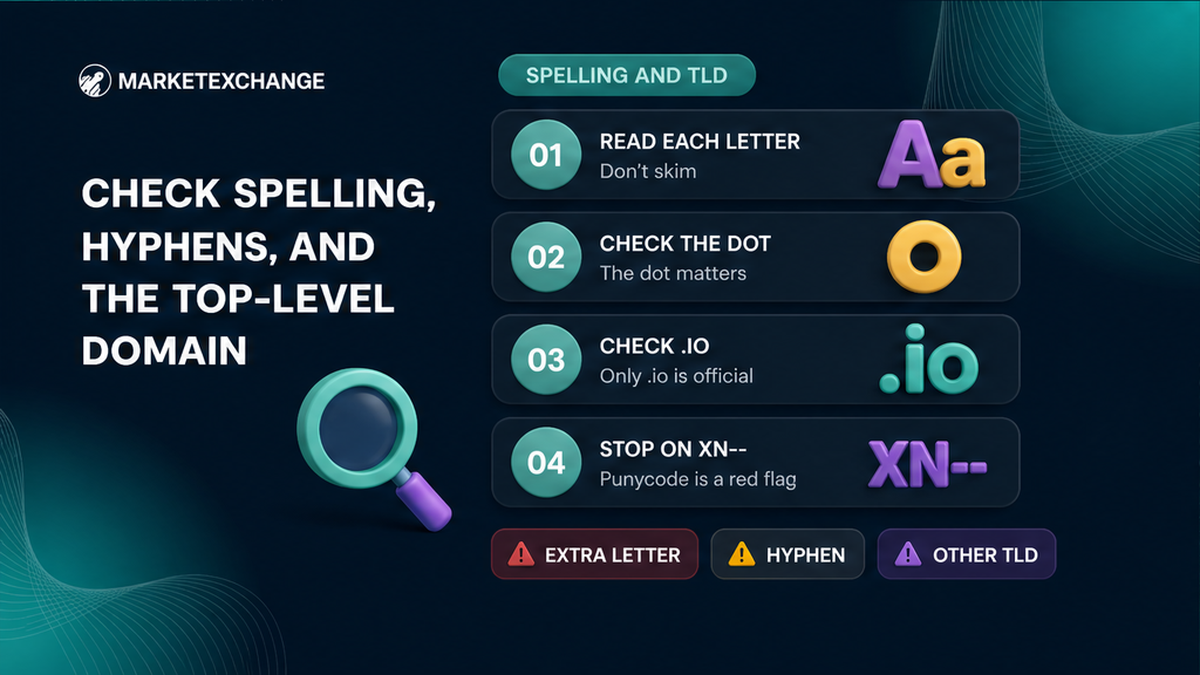
Read the registrable domain character by character. The exact domain is marketexchange.io. Compare every letter, the dot, and the .io ending. Stop if there is an extra or missing letter, a hyphen, another TLD, or a hostname beginning with xn--, which indicates a punycode label.
| Address pattern | Meaning | Action |
|---|---|---|
| marketexchange.io | Exact canonical hostname | Continue checking |
| marketexchange.io.example.com | Registrable domain is example.com | Close the page |
| marketexchange.com or another ending | Different top-level domain | Do not enter data |
| Extra letter, hyphen, or changed character | Possible typosquat | Close and type the exact host |
| Hostname containing xn-- | Punycode label | Do not treat it as official |
The Bank of Russia warning card names Marketaiexchange and lists marketaiexchange.io and marketai.exchange. These are different spellings and domains from marketexchange.io.
Ignore the padlock and compare the live swap widget
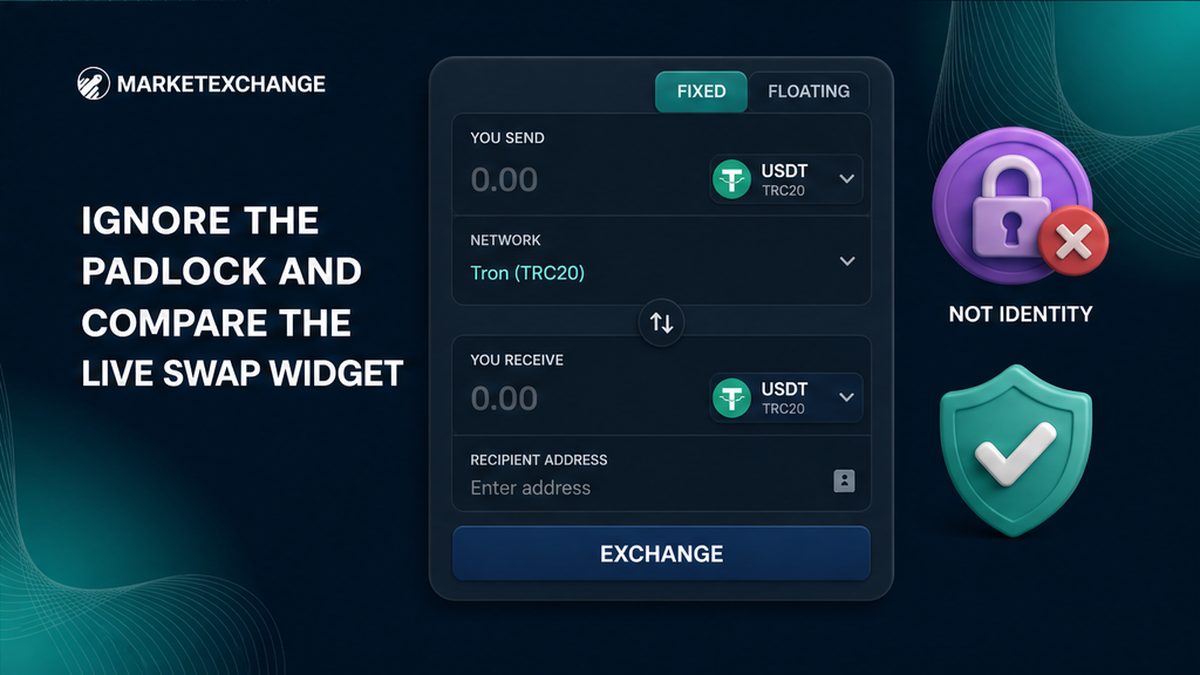
HTTPS encrypts traffic to the domain shown in the address bar. It does not prove that the domain belongs to the exchange you intended to use. The FTC states that encryption alone does not mean a site is legitimate, and Let’s Encrypt explains that its certificates use Domain Validation and are free to obtain.
On the manually typed homepage, compare the live widget. It should show controls such as You send, a network selector, You receive, and Recipient’s address. It may offer Fixed or Floating rates. A normal instant swap needs a destination address, not wallet recovery material.
- Confirm the page is on marketexchange.io.
- Confirm the widget asks for a recipient address, not a seed or private key.
- Confirm the asset and network match your wallet.
- Read the order details and destination address on the verified host.
A request for a seed phrase, private key, recovery phrase, or wallet file is an immediate stop signal. MarketExchange Terms section 2.6 says that the platform does not offer custodial services for cryptocurrencies. A clone can copy the wording, so the hostname remains the primary check.
Compare the support entry, footer, and official contacts
Open Support, Terms, AML, and the footer from the manually typed hostname. They should remain on marketexchange.io. The footer identifies DevSolvo LTD, Seychelles International Business Company No. 24715. The Terms identify MarketExchange as owned by DevSolvo LTD, registration number 24715, while noting that some exchange services may be provided by other companies or partners.
The official Support page lists [email protected] and describes a Customer Support Center with online assistance 24/7. It also lists [email protected], which is not the address for an order problem. Use the support route reached from the verified site.
The official Telegram link shown from the verified site is t.me/Marketexchange_io. The official X link is x.com/Marketexch_io. Treat social contacts as valid only when reached from the checked page.
As one outside cross-check, the real footer links to the MarketExchange card on BestChange. Its title includes (marketexchange.io). Use it to compare the domain, not to rely on changing reviews, reserves, or other live metrics.
Never enter a seed phrase on a swap page
A recipient address tells the swap where to send the output. A seed phrase, Secret Recovery Phrase, private key, or wallet backup can control the wallet itself. Enter the former only in the correct order form and keep the latter private.
Do not enter a seed phrase to unlock a rate, verify ownership, restore a wallet, release a deposit, pass AML checks, or accelerate a swap. MetaMask’s safety guidance says that a Secret Recovery Phrase must not be entered on any website.
A fake site may use a familiar wallet logo or a “Connect wallet” button. Close the page if it requests a seed, private key, wallet file, recovery phrase, or suspicious approval. Do not test it with a small amount.
If you already typed a seed phrase into a clone, treat the wallet as compromised and follow your wallet provider’s security guidance. If you entered only a public recipient address, still check the asset and network.
Before sending, compare:
- asset or ticker;
- network selected in the widget and supported by your wallet;
- recipient address copied from the verified order;
- MEMO, Destination Tag, or Payment ID when required;
- rate type, amount, and final order details.
Terms section 2.12 places responsibility for the wallet, network, MEMO, Destination Tag, and Payment ID on the user. A correct domain cannot fix an incorrect network or missing tag.
If you sent to a clone, stop and save the evidence
Stop before making another transfer. Save the full URL, screenshots, time, asset, network, destination address, order details, messages, and transaction ID. Then type marketexchange.io in a new tab and open Support from that verified host.
Do not double-send, pay a stranger to “recover” the first transfer, or follow a second link from the same contact. A clone operator may request another deposit, verification payment, tax, or unlock charge.
Use this incident workflow:
- Stop all transfers and do not approve a new transaction.
- Record the clone URL exactly, including domain and path.
- Save the TxID, asset, network, amount, destination address, and timestamp.
- If you exposed a seed phrase or private key, treat the wallet as compromised.
- Open a fresh tab, type marketexchange.io, and reach Support from that host.
- Send the evidence through the verified support route and follow only confirmed instructions.
MarketExchange Terms explain that refunds are possible only where technically feasible and only to the original sending wallet. After AML/KYC, a refund may carry an administrative fee of up to 5% plus network and liquidity-provider fees, and assets blocked by authorities may not be refundable. These terms do not guarantee recovery from a clone.
If funds went to a scammer’s blockchain address, the transaction may not be reversible. The TxID is still important evidence for support, your wallet provider, the sending exchange, and relevant reporting channels.
Frequently asked questions
Is a padlock enough to prove that MarketExchange is real?
No: HTTPS encrypts the connection to the displayed domain but does not prove that the domain is MarketExchange. Type marketexchange.io manually, then check the widget and support links.
What is the official MarketExchange Telegram handle?
The verified-site link is https://t.me/Marketexchange_io, with an underscore between exchange and io. Do not trust an account that contacts you first.
Should I connect a wallet to swap?
Never provide a seed phrase, private key, or wallet backup; a swap flow should ask for the pair, amount, network, and recipient’s address. Stop if an unexpected approval does not match your intended transaction.
Is marketexchange.io the same as marketaiexchange.io?
No. The canonical hostname is marketexchange.io, while marketaiexchange.io has different spelling and the Bank of Russia warning card also lists marketai.exchange.
What should I do if the page has the right logo but a different domain?
Close it and enter nothing; type marketexchange.io in a new tab instead. A copied logo, footer, or widget cannot compensate for a wrong hostname.
What should I do after sending crypto to a clone?
Stop and do not double-send; save the URL, screenshots, messages, wallet details, and TxID. Then type marketexchange.io manually and open Support from that host; if you exposed a seed phrase, treat the wallet as compromised.
When the checks pass, use the MarketExchange homepage to review the pair, network, recipient address, and order details. For the same checklist in a longer guide, read how to verify the official MarketExchange website.
Disclaimer: The material in this article is not financial or investment advice. Everything stated here reflects the author's personal view and should not be treated as a recommendation to trade or invest. We make no warranties regarding the accuracy, reliability or completeness of the information presented. Cryptocurrency markets are highly volatile and can move unpredictably. Before committing any funds, every investor, trader or crypto user should study several independent sources and check the regulations that apply in their own jurisdiction.