
An instant swap can fail before a blockchain transaction is broadcast. A self-custody wallet may show the right ticker on the wrong network, an old address may look familiar, or its Swap button may open a different service. Use the live MarketExchange order as the source of truth and complete this pre-send checklist.
Summary: Match the order’s asset, network, amount, deposit address, and required memo with the wallet’s Send screen. Paste the address from this order, verify its prefix and middle characters, prepare native gas, and send one exact transaction for a Fixed order. Save the TxID and stop if anything no longer matches.
This guide starts after a MarketExchange order has been created and displays a deposit address. It covers MetaMask, Trust Wallet, and hardware wallets. It is not a guide to a wallet’s built-in DEX Swap feature. If you still need to create an order, start with the first-widget checklist.
Checklist: Match the asset ticker and network in the wallet to the order
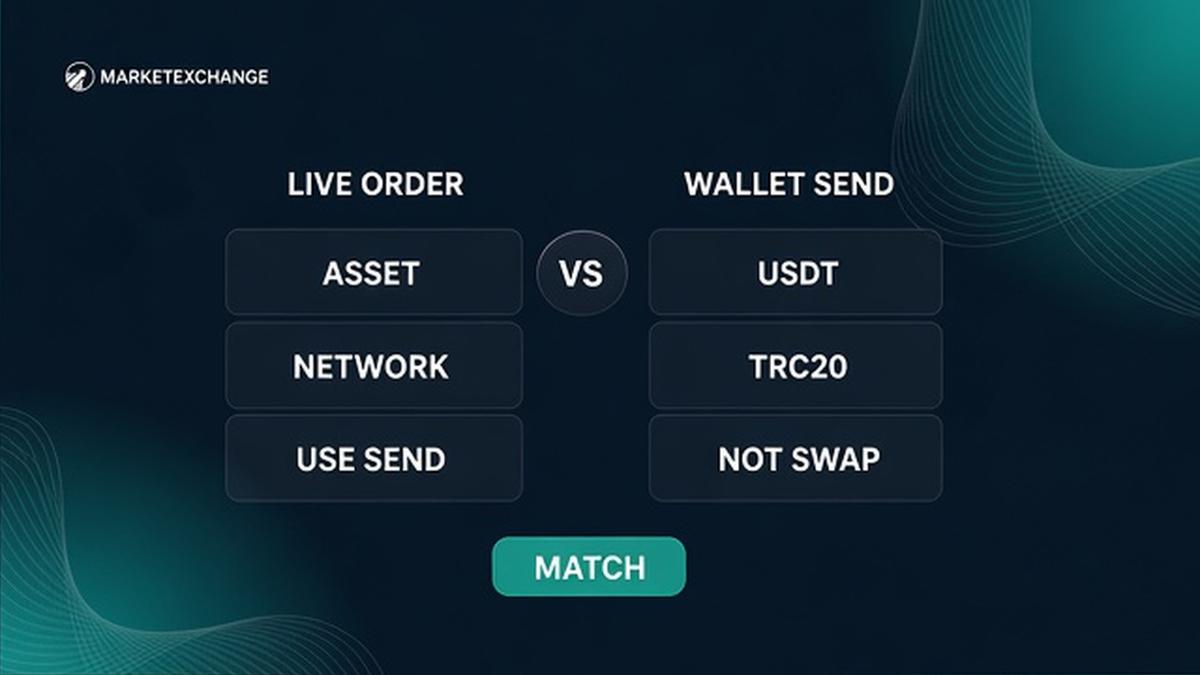
Read the asset ticker and network together on the live order. USDT on TRON is not the same deposit as USDT on Ethereum, even if both are called USDT. A pair URL containing usdttrc20 indicates a TRC20 pair, but confirm the network on the actual order.
In the wallet’s Send flow, select the same asset and network. Use Send, not the in-app Swap option, which normally opens a DEX route rather than funding your MarketExchange order. In MetaMask, select the network and token, paste the recipient, enter the amount, review the fee, and confirm. Trust Wallet follows the same essential checks.
Do not rely on a Discord, Telegram, email, or old screenshot, and do not substitute the payout address for the deposit address. Some EVM networks use 0x addresses, but that prefix does not prove that Ethereum, BNB Smart Chain, Arbitrum, Base, or another EVM network is correct. A TRON address has a different format, and the order network must still match the wallet network.
Prepare the network’s native token for the wallet fee. A token balance alone may not be enough to broadcast a transfer. Check the fee shown by the wallet and leave enough native balance. With a hardware wallet, compare its own display before signing.
How to paste the deposit address and verify the prefix
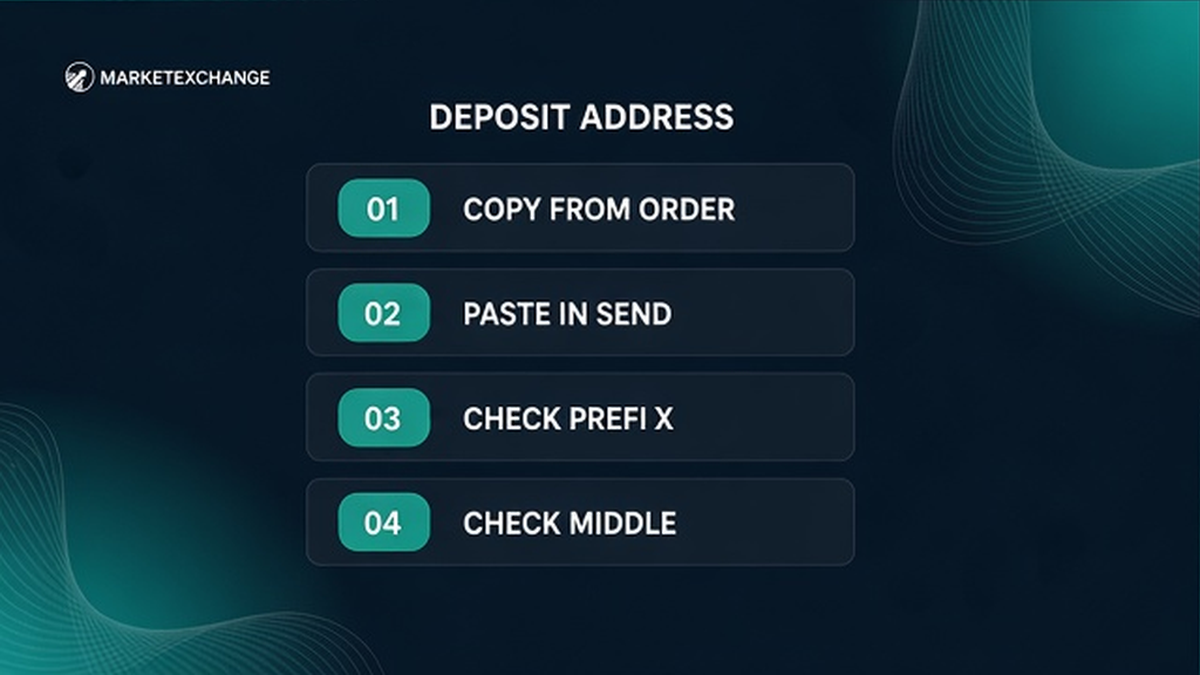
Copy the deposit address from the live order. MarketExchange’s order data defines depositAddress.depositAddress as the address to which funds must be sent. Do not copy from transaction history, an address book, browser autofill, or a private message.
After pasting, compare the beginning and several middle characters with the order screen. Checking only the first and last few characters is not enough when an incorrect address has been substituted. If the address differs at any visible position, remove it and copy again from the order.
Do not send a test amount automatically. A test can create a partial, late, or split payment. For a Fixed order, multiple transactions or an incorrect amount may cause recalculation, a refund subject to applicable costs, or rejection where processing is technically impossible. Stop before broadcasting and use the official MarketExchange support page if the address is unclear.
When to add a memo or tag
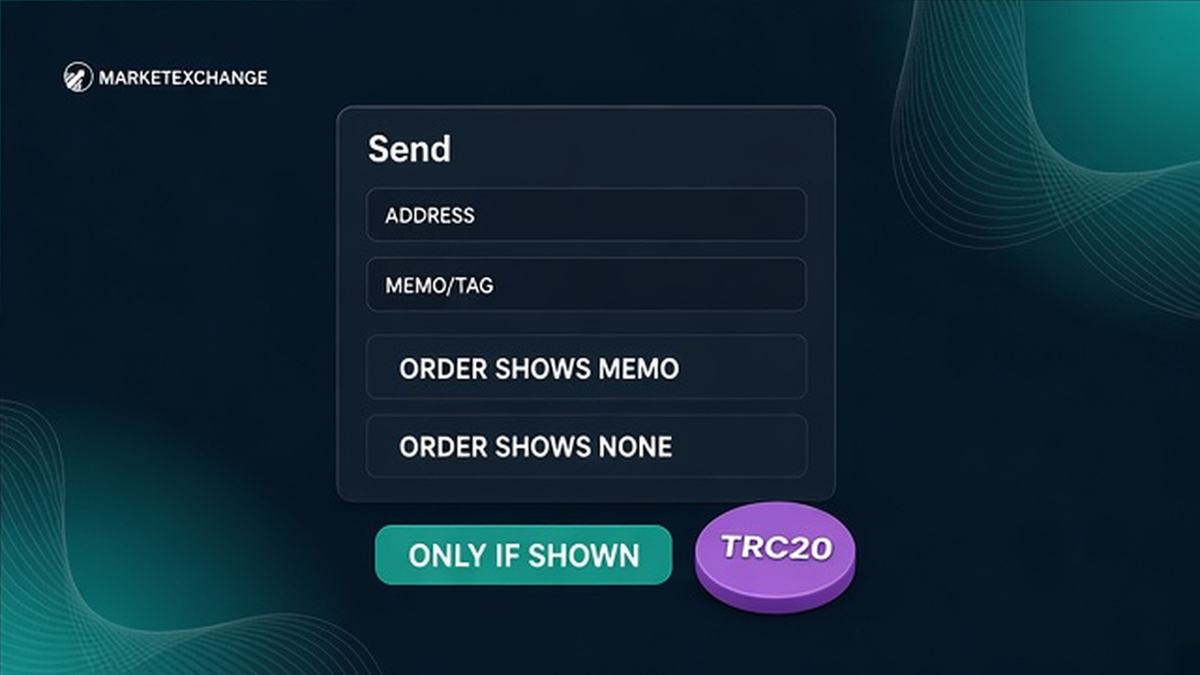
A memo, destination tag, or payment ID is separate from the blockchain address. Include depositAddressMemo when this order provides one. If the order shows no extra identifier, do not invent one from another guide, exchange form, or previous payment.
Enter the value exactly in the wallet’s memo, tag, comment, or payment ID field. If the order requires an identifier and the wallet has no suitable field, stop. Never put the memo inside the address or amount field. An order ID helps support locate the transaction; a memo may route the deposit.
How to send the exact amount in one transaction for a Fixed order
First identify whether the order is Fixed or Floating. For a Fixed order, the amount and limited lock period shown on the MarketExchange platform are part of the payment instructions. Follow this workflow:
- Read the live order’s asset, network, address, optional memo, exact amount, rate type, and lock information.
- Open the wallet’s Send function and select the same asset on the same network.
- Paste the deposit address from this order and compare its beginning and middle characters.
- Add the memo or tag only when the order displays one and the wallet has the correct field.
- Enter the exact Fixed-order amount without splitting it into separate transfers.
- Review the network fee and confirm that enough native token is available.
- Check the recipient, network, asset, amount, and identifier on the review screen and, if applicable, on the hardware device.
- Broadcast while the order’s displayed lock conditions still apply.
- Copy the TxID from Activity or transaction details before closing the application.
Live order ticker and network → wallet Send asset and network → order deposit address → optional order memo → native gas ready → exact amount → one Fixed transaction → copy TxID.
Sending less, more, or a different token is not harmless. MarketExchange’s Terms explain that a late send, incorrect amount, incorrect network, or multiple transactions on a Fixed order can result in recalculation at the current market rate, a refund subject to network, liquidity-provider, or processing costs, or rejection when the transfer cannot be processed technically.
Do not subtract a guessed fee from the order amount. The wallet fee is normally charged separately, but verify the treatment in the wallet. For a Floating order, the rate is executed at the market rate available when funds are received by the liquidity provider, so the result can differ from the earlier estimate. See the Fixed versus Floating guide.
Do not send a second payment because the first is pending. A pending transaction does not mean the address changed or another transfer is needed. MarketExchange’s Terms state that exchanges are processed within a stated range of 30 minutes to 72 hours.
How to keep the wallet TxID before closing the app
After broadcasting, open Activity or transaction history and copy the full transaction hash, also called the TxID. Save it with the order ID, asset, network, amount, and send time. If the list shortens the hash, open transaction details and use the copy control.
Return to the original order after saving the TxID. Do not create another order or resend merely because the first transfer is not credited immediately. For a detailed post-send workflow, use the TxID checking guide.
If the wrong network was used or a required identifier was omitted, stop all further transfers. Do not try to correct the first payment with another one. Save the asset, network, amount, address, memo or tag, TxID, and order ID, then contact official MarketExchange support. Recovery is not guaranteed.
MarketExchange does not provide custodial wallet services. Support will never need your seed phrase or private key. Share only order information and transaction evidence through the official support route.
Frequently asked questions
Can I send from an exchange withdrawal instead of a self-custody wallet?
Yes, if the exchange supports the exact asset and network shown by the MarketExchange order. Match the ticker, network, deposit address, memo or tag, and amount. This is an exchange withdrawal, not a self-custody send, and the sending exchange may apply its own review, limits, or delay.
Do I need to import my seed phrase into the swap site?
No. Never import a seed phrase or private key into MarketExchange, support chat, a browser form, or a site claiming to validate the order. The wallet application or connected hardware device signs the Send transaction. Support may need an order ID and TxID, but never control of your wallet.
What if my wallet hides the full TxID?
Open Activity or transaction history, select the transaction details, and use the copy function. You can also open the transaction in the correct network explorer and copy the full hash. Verify that the wallet account and network are the same ones used for the send.
What if the address has the expected prefix but the network is different?
Stop and do not send. A familiar prefix, especially 0x, does not prove that the network is correct. Reopen the order, read its network title, and select that same network in the wallet. Contact official support before broadcasting if the wallet cannot send the asset on that network.
Should I send a small test transaction first?
Not automatically. A test can become a separate or partial deposit, and multiple transactions may conflict with a Fixed order. Use one only when the order instructions clearly support it. Otherwise, complete the address, network, memo, amount, and fee checks before one correct send.
What should I do if I sent the wrong network or forgot a memo?
Do not send another payment. Save the TxID, order ID, asset, network, amount, address, and memo or tag used, then contact official MarketExchange support. Never share your seed phrase or private key. Recovery depends on the technical circumstances and is not guaranteed.
Disclaimer: The material in this article is not financial or investment advice. Everything stated here reflects the author's personal view and should not be treated as a recommendation to trade or invest. We make no warranties regarding the accuracy, reliability or completeness of the information presented. Cryptocurrency markets are highly volatile and can move unpredictably. Before committing any funds, every investor, trader or crypto user should study several independent sources and check the regulations that apply in their own jurisdiction.