
Do not send again when a crypto swap appears stuck or rejected. Save the Order ID and the send-side TxID, check whether the deposit reached MarketExchange, and copy the original on-chain sending address before requesting a refund. This checklist helps you build one useful support request, understand why a new address cannot replace the sender, and track the return to your wallet or sending exchange.
Summary: A crypto swap refund is a separate return transaction, not a cancellation of a confirmed transfer. First verify the order, send-side TxID, and original on-chain sending address. MarketExchange can return funds only to that original address and only where technically possible, so identify who controls it before contacting official support.
The Order ID identifies your swap inside MarketExchange. The TxID, also called a transaction hash, is the public blockchain receipt. You need the payment TxID and, if a return is sent, a separate refund TxID.
“Original wallet” means the From address in the confirmed incoming transaction. It may belong to you or to the exchange that sent your withdrawal.
Stop resending and decide whether the order needs a refund
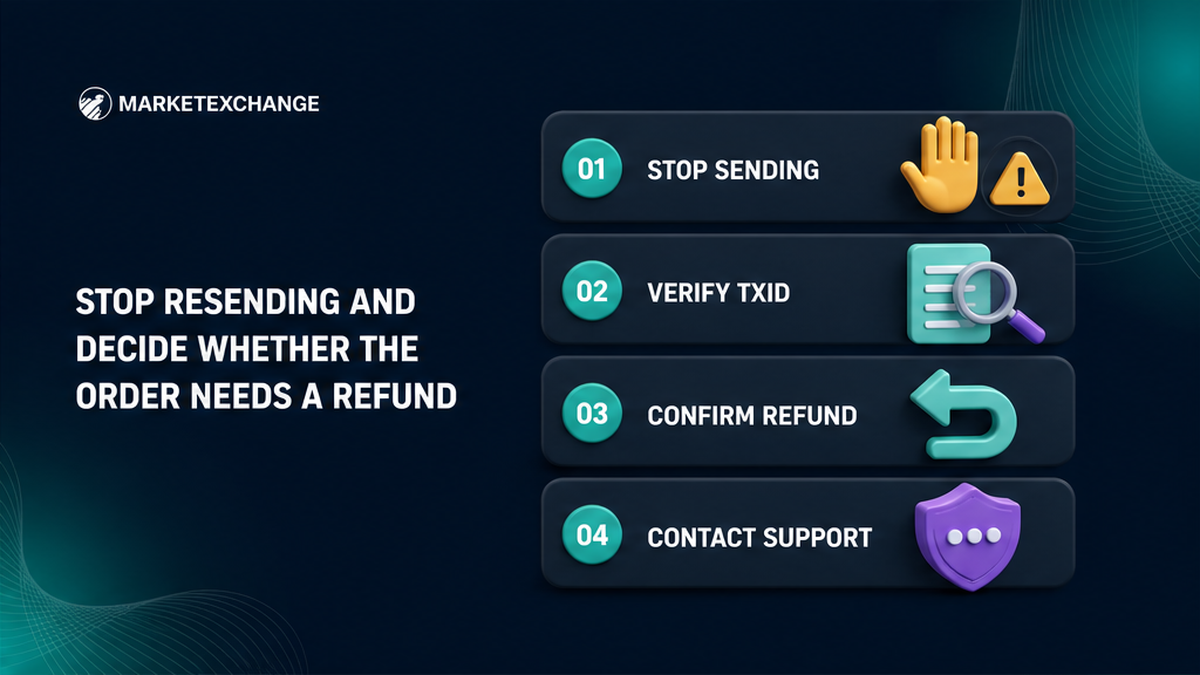
A delay does not automatically make an order refundable. The swap may still be processing, or support may offer recalculation, refund, or technical rejection. Check the current state first.
- Stop sending additional funds and do not create a replacement order.
- Save the Order ID, order URL, current status, and existing support messages.
- Open the payment TxID on the explorer for the network you actually used.
- Confirm whether that transaction is pending, failed, or confirmed.
- Compare the asset, exact network, amount, From address, and To address.
- Check whether MarketExchange states that the deposit was received.
- Ask for a refund only after support confirms that this is an available outcome.
- Keep the order and both transaction records until the case is closed.
Incident workflow: Stop resending → verify receipt → confirm refund eligibility → collect evidence → identify who controls From → contact official support → complete required checks → verify the refund TxID → receive funds or request manual credit.
If the payment is pending, work with the sending wallet or exchange first. If it failed, confirm the balance there. Never make a “correction” payment.
Verify the deposit and copy the original on-chain sending address
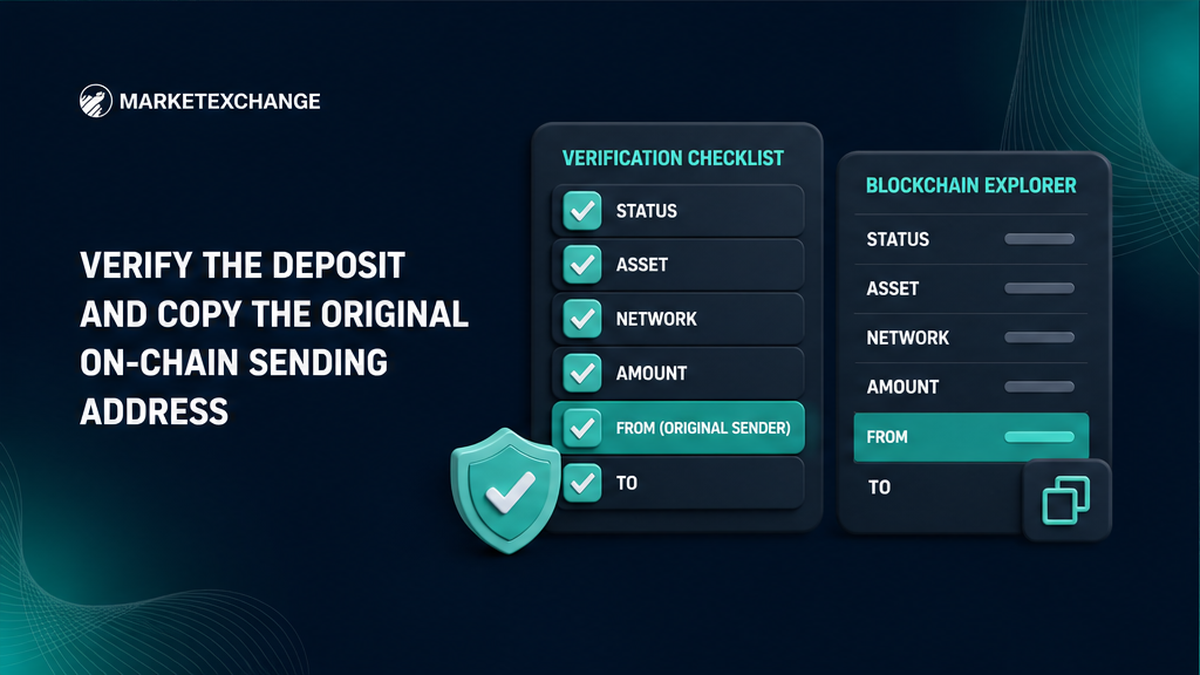
Use the explorer for the network named in the withdrawal record. An explorer is a public search page for blockchain activity. Paste the TxID into it like a parcel tracking number.
Check status, asset, amount, time, From, and To. For a token, also read the token-transfer row. The To value should match this order’s deposit address. Copy full values, not shortened text such as “0x12…89ab”.
The refund destination is the original on-chain From. It is not the payout wallet or a fresh address. MarketExchange Terms section 2.10 allows a return only to the address from which the crypto was received, where technically possible.
Do not request a substitute address. If From is unfamiliar, identify its controller in the ownership check below.
Build one complete refund evidence packet
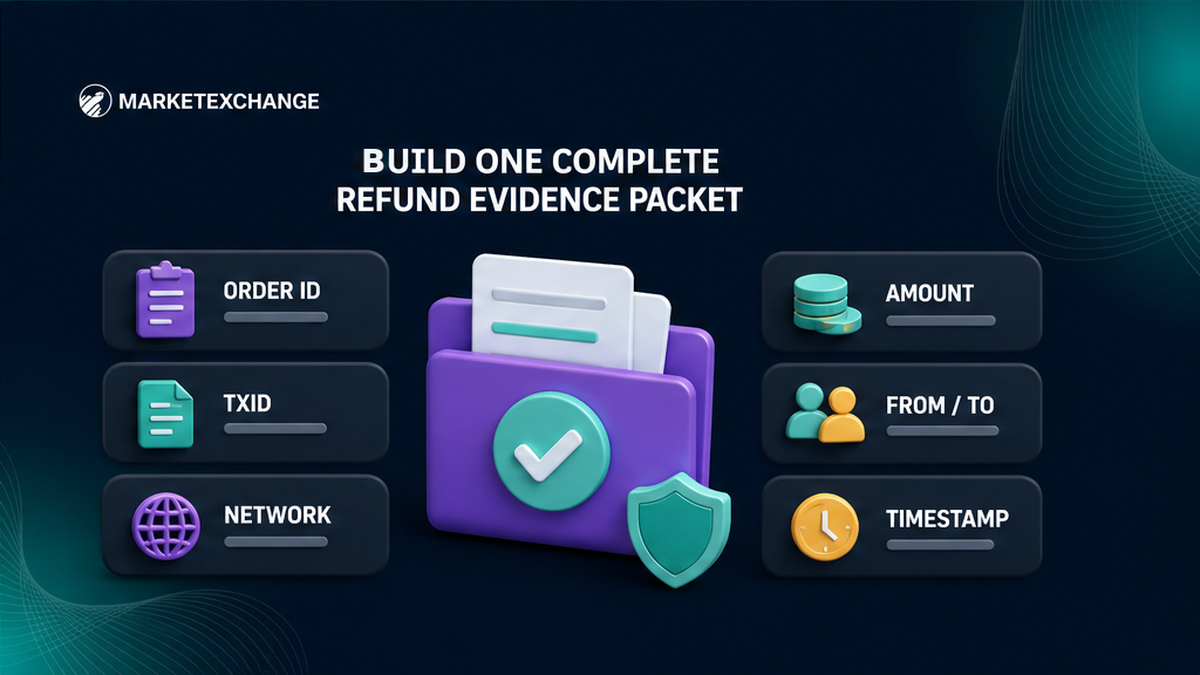
Send one complete case rather than several short tickets. Give support enough data to match the order and blockchain payment.
| Field | Where to get it | Why it matters |
|---|---|---|
| Order ID and order URL | MarketExchange order page | Identifies the swap request |
| Send-side TxID and explorer URL | Wallet or exchange withdrawal history | Proves the on-chain payment |
| Asset and exact network | Order, withdrawal page, and explorer | Separates coins or tokens with similar names |
| Exact amount | Explorer transfer record | Helps match the received deposit |
| Original From and deposit To | Correct network explorer | Shows the sender and destination |
| Timestamp and status | Explorer and order page | Establishes the event sequence |
| Screenshot or withdrawal reference | Sending platform | Connects the transfer with your account record |
Describe the error briefly and request a refund to the original on-chain sending address. Name any wrong amount, network, memo, tag, or split payment, but do not promise recovery.
Keep matching fields visible in screenshots. Never provide a seed phrase, private key, password, or login code. Those secrets control funds; a TxID already exposes the public transaction.
Check who controls the sending address before requesting the return
Self-custody means you control the wallet keys. A centralized exchange, or CEX, controls its sending wallets. This difference decides the final step.
| Original From type | Prepare before the request | Action after a refund |
|---|---|---|
| Self-custody address you control | Confirm access and select the original source network | Check the refund TxID and incoming balance |
| CEX or custodial hot wallet | Save your account UID and original withdrawal reference | Request manual credit if the return is not credited automatically |
| Unknown From address | Ask the sending platform to identify the transaction | Do not redirect the refund to a new personal address |
| Address no longer accessible | Tell official support before agreeing to any action | Ask whether a compliant resolution exists, without promising one |
A hot wallet is a platform’s working address, often shared by customers. A valid return may not reach your account automatically. Find the platform’s official manual-credit process and save your account reference.
Request the refund through official MarketExchange support
Use the official MarketExchange support page, live chat, or [email protected]. Paste the evidence packet into one conversation; duplicate tickets can split the record.
Ask five direct questions:
- Confirm whether MarketExchange received the deposit.
- Confirm whether a refund is technically possible for this order.
- Confirm that the return address is the original on-chain From address.
- State whether AML/KYC verification or more evidence is required.
- List applicable deductions and explain the next status you should expect.
AML checks for links to prohibited or high-risk activity; KYC verifies identity. Submit documents only through the official flow in the verified conversation.
Ignore unsolicited agents. Do not pay for “speed” or install wallet software from a direct message. Support can inspect IDs without controlling your wallet.
Complete AML/KYC and confirm possible deductions before agreeing
For an AML/KYC-suspended transaction, required verification must succeed before a refund can be processed. This does not promise approval. Assets blocked by authorities, law enforcement, or a court order cannot be returned under the Terms.
Ask for the expected net return and deductions. An AML/KYC case may carry an administrative fee of up to 5%, plus network and liquidity-provider fees. This ceiling is not an automatic 5% charge.
A network fee pays for the return transaction. A liquidity provider is the partner that sources or converts assets. Ignore figures from other providers or old posts; ask what applies to this order.
For a future swap, use the free pre-exchange AML check with the sender address or TxID, asset, and exact network. It does not change an existing case.
Track the refund TxID or request manual credit from the sender
When support sends a return, request its TxID. On the correct explorer, verify the asset, network, amount, original sending address, and status.
If you control that address, select the original network and check the incoming transaction. If the explorer confirms it but the balance is hidden, use only the wallet’s official display steps.
If a CEX controls the address, give its support both TxIDs, asset, network, amount, return address, date, and account reference. Ask for manual credit. MarketExchange cannot credit another platform’s account.
Keep the records until credit. A claim about a completed exchange requires complete evidence within 7 business days after completion under Terms section 2.11. That is a claim deadline, not a refund ETA.
Frequently asked questions
Can I choose a different crypto refund address?
No. A refund can go only to the original on-chain sending address and only where technically possible. Copy it from the confirmed payment.
Is the 5% crypto refund fee always charged?
No. An AML/KYC-suspended case may have an administrative fee of up to 5%, plus applicable network and liquidity-provider fees. Ask for the net return.
What if I sent crypto from a centralized exchange?
Save your account reference and identify the on-chain From address. If the return is not credited, submit both TxIDs through the exchange’s official manual-credit process.
What evidence should I send with a refund request?
Send the Order ID, TxID, explorer URL, asset, network, amount, From, To, time, status, and withdrawal proof. Never send wallet or login secrets.
Can a confirmed crypto transfer be canceled?
No. Ask whether a separate return transaction is technically possible, then track it with its own refund TxID.
What happens if authorities blocked the assets?
A refund is not permitted when authorities, law enforcement, or a court order blocks the assets. Follow official instructions and keep the case record.