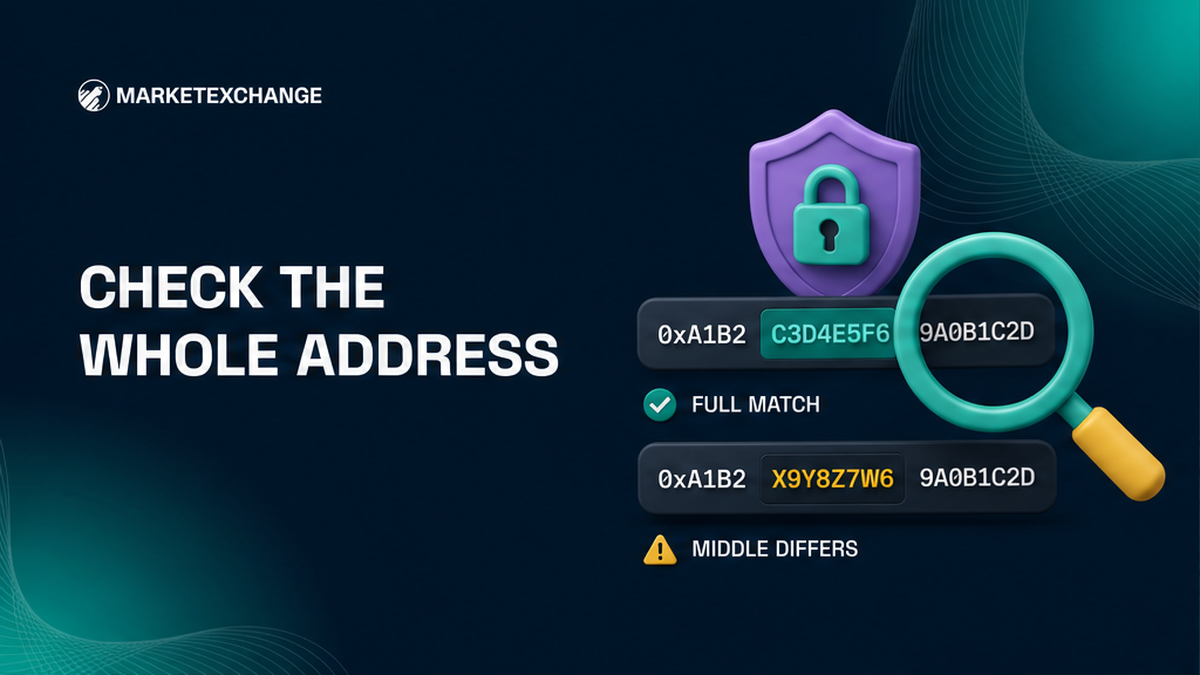

A poisoned wallet address can look correct at both ends while hiding different characters in the middle. Before a crypto swap, never copy a payout or deposit address from transaction history. Take it from the wallet Receive screen or the current order, compare the full value after every paste, then check the network and memo or tag. This checklist gives you a clear sign-or-cancel decision before funds leave your wallet.
Summary: Never copy a payout or deposit address from transaction history. Take each address from its trusted source, compare the entire pasted value including the middle, and confirm the network plus any memo or tag. Sign only when the source, pasted field, and device display match exactly; otherwise cancel and start again.
Address poisoning plants a lookalike address in public wallet history through a tiny, zero-value, or fake-token entry. The sender cannot move your coins. The danger starts if you copy that planted address. A swap has two checkpoints: the payout address for receiving the result and the deposit address for funding the order.
Write the route and choose two trusted address sources
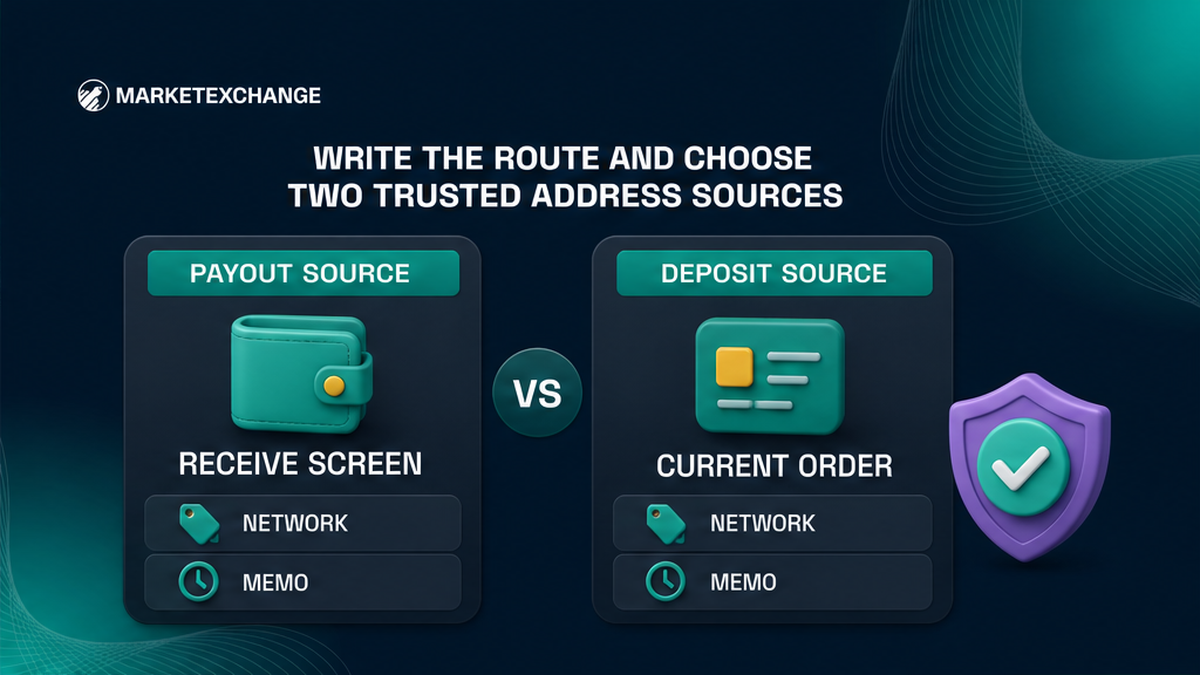
Write the route first: send asset and network → receive asset and network → payout wallet → memo or tag if required. A ticker such as USDT names the asset; the network is its delivery road. Use the wallet Receive screen or a previously verified contact for the payout. Use only the current order for the deposit. Never use recent activity, an old order, a screenshot, SMS, or a direct message.
| Checkpoint | Trusted source | Compare before continuing | Cancel when |
|---|---|---|---|
| Payout address | Destination wallet Receive screen or verified contact | Full address, receive network, memo or tag if required | The value is shortened, came from history, or differs anywhere |
| Order deposit | Current MarketExchange order screen | Full address, send network, exact amount, memo or tag, and device display | The paste changes, a warning appears, or any order detail differs |
Keep both trusted screens open while comparing. Never treat a familiar history row as a saved contact.
Run the eight-step crypto address poisoning checklist
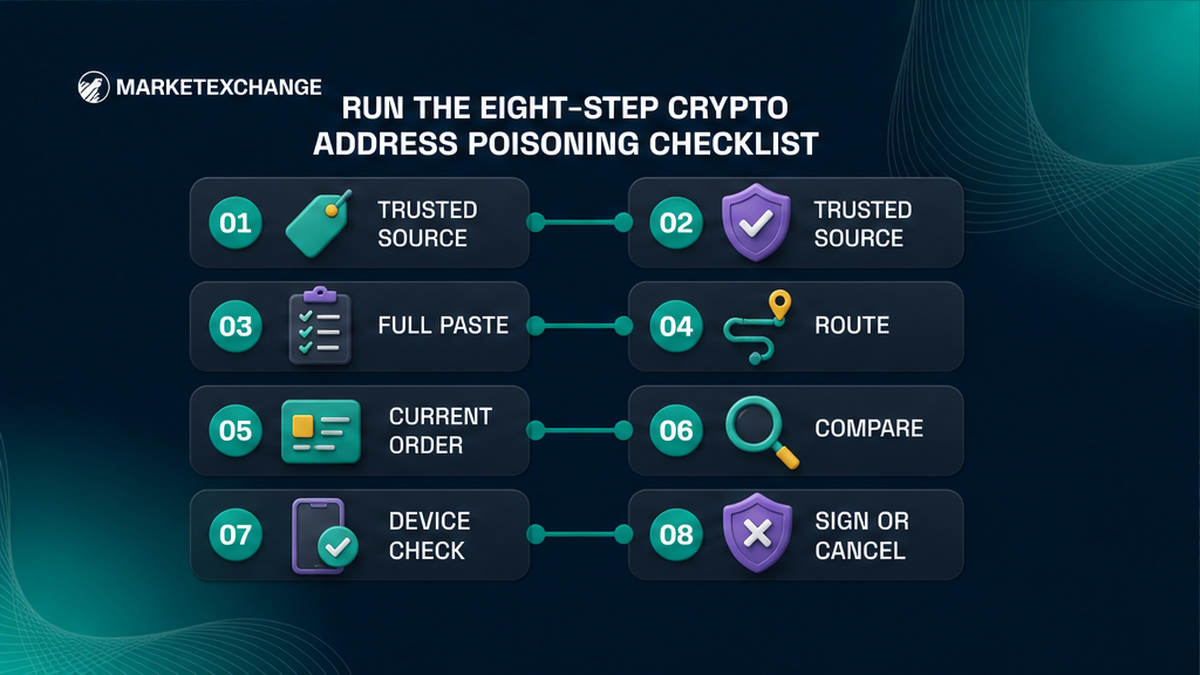
Use the same sequence every time:
- Write the send asset, send network, receive asset, receive network, payout wallet, and required memo or tag.
- Open the destination wallet Receive screen or a previously verified contact and copy the payout address.
- Paste the payout address into the swap widget, reveal the full value, and compare every part including the middle.
- Confirm the receive network and add the memo, destination tag, or payment ID if the destination requires one.
- Create the order, then copy the deposit address, exact send amount, network, and any extra routing field only from that current order.
- Paste into the sending wallet and compare the complete deposit address with the order screen again.
- Check the amount, network, memo or tag, wallet warning, and hardware-device display before approval.
- Sign one planned transfer only on an exact match; otherwise cancel without funding the order.
Pre-send workflow: write route → copy payout from Receive or verified contact → compare full pasted value and middle → confirm receive network and memo → create order → copy current deposit details → compare again after paste and on device → sign only on an exact match
Restart the checklist after any edited field. One earlier comparison does not cover a later paste.
Compare the full address after every paste
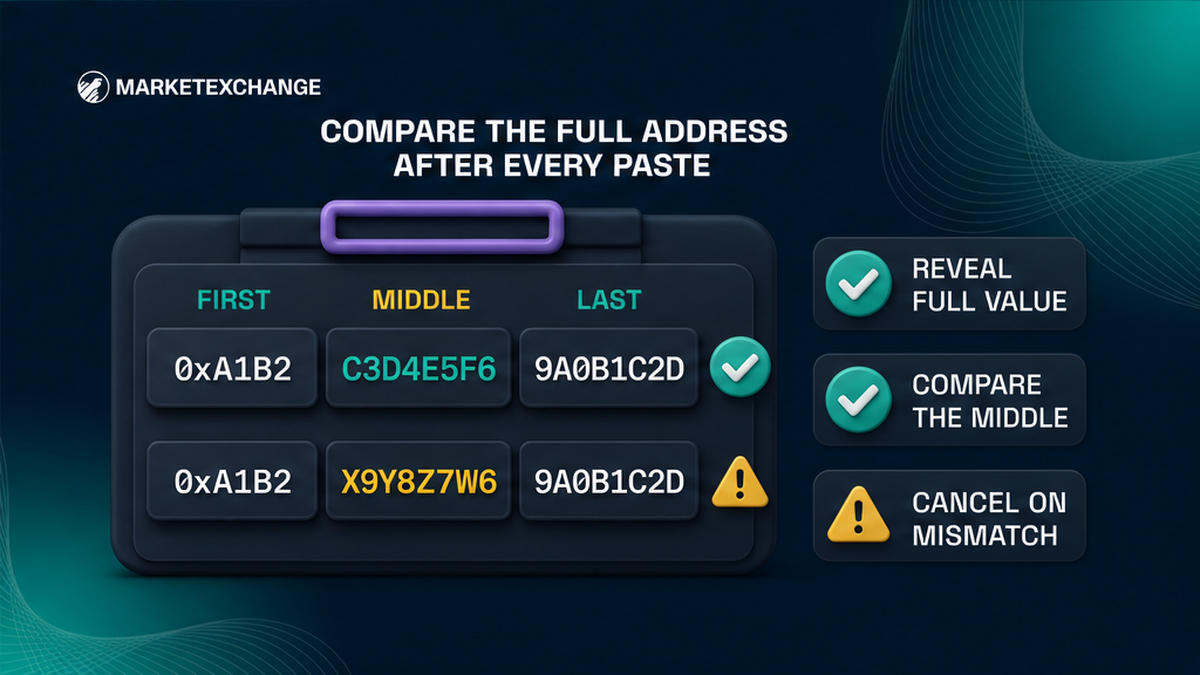
Checking only the first and last four characters is not protection. Attackers seek matching ends because wallets often hide the middle. There is no safe partial character count. Reveal the full field, compare chunks across the complete string, then scan back in reverse. Copy from the trusted source rather than typing by hand.
Clipboard hijacking is a different attack: malicious software replaces an address between copy and paste, like switching a parcel label. Poisoning changes history; clipboard malware changes pasted text. Comparing the final paste with the source catches either mismatch.
A QR code only carries encoded data, and a checksum only checks address format. Neither proves ownership. Compare the complete destination with an independent trusted screen.
Reject dust and lookalike rows as address sources
A tiny incoming amount, zero-value record, or unknown token can be poisoned history. “Dust” means a very small amount. Dusting may track links between public addresses; poisoning uses dust, zero, or fake-token entries as copy bait. In either case:
- Ignore or hide the unexpected entry if your wallet offers that option.
- Do not copy the sender or recipient address from the row.
- Do not open links inside an unknown token name, note, or memo.
- Do not connect your wallet to a site that promises to remove the entry.
- Return to the wallet Receive screen or verified contact for the real address.
An unsolicited entry does not reveal your recovery phrase or private key. Verify carefully, but do not move funds or interact with the token.
Check the payout address before creating the swap
Open Receive in the exact wallet and network where you expect the converted asset. Copy from there. A successful past transaction does not make its history row a trusted source.
Paste the payout address into the MarketExchange swap widget, reveal it, and compare the full value with Receive. Check the receive network too. If the destination requires a memo, destination tag, or payment ID, copy it. This extra field works like an apartment number that routes funds to the right account.
If the widget cannot reveal the complete address, stop. Reopen the source or use the official interface on a trusted device. Never continue because the visible ends look right.
Check current order details before signing the deposit
After creating the swap, copy the deposit address only from that current order. Compare the pasted value back to the order, then match the send network, exact amount, and any memo or tag. Keep them as one approval bundle: destination + network + amount + routing field.
A correct address does not repair a wrong network or missing memo. Never reuse a past order address.
A small test limits the first amount at risk but does not make the address permanently safe. Chainalysis documented a correct test followed minutes later by a large transfer to a lookalike. For the main send, reopen the trusted source and repeat every check.
Use warnings and hardware displays as stop checkpoints
Treat a similar-address, new-address, or suspicious-destination warning as a red light. Cancel, reopen the source, and compare the complete address. No warning is not a guarantee because detection differs by wallet and network.
A hardware wallet is a separate signing device that keeps the secret key away from the phone or computer. Its trusted display shows what will actually be approved. Scroll through the full destination and compare it with the current order. If the device and computer disagree, reject on the device.
The hardware wallet confirms what will be signed, not who owns the destination. Compare source, paste, and device. Never dismiss a warning.
Cancel and restart when any detail differs
Use a binary decision. Exact address, network, amount, routing field, and device display match: approve one planned transfer. Anything differs, is shortened, comes from history, or triggers a warning: cancel. Never repair a suspicious address by editing visible characters.
If paste changes repeatedly, disconnect the session and use a clean trusted device or official wallet support. Reopen Receive and a new current order, then restart. Do not fund the swap while investigating.
If you already approved a wrong address, do not send a “correcting” transfer. Save the Order ID and transaction ID, or TxID, then contact official support. Do not rely on reversal promises or unsolicited recovery messages.
Frequently asked questions
Is checking the first and last four characters enough?
No. A poisoning address is designed to match the visible ends. Reveal and compare the full address, including multiple sections in the middle, after every paste.
Can an incoming dust transaction steal my crypto?
Not by itself. Ignore or hide the entry, do not interact with an unknown token or link, and never copy its address. Keep your recovery phrase and private key secret.
Is address poisoning the same as clipboard malware?
No. Poisoning plants a lookalike in transaction history; clipboard malware replaces copied text on the device. Compare the full value after paste to catch either mismatch.
Does a test transaction make the main send safe?
No. It limits the amount exposed in the test. Before the main send, reopen the trusted source, copy again, and repeat the address, network, amount, and memo checks.
Will a hardware wallet detect a fake recipient?
It shows the destination being signed, but it cannot identify the owner. Compare its full display with the current order screen and reject the transaction if any detail differs.
What should I do if the address changes after paste?
Cancel without signing. Stop using that clipboard or session, move to a clean trusted device, reopen the authoritative source, and restart the checklist.
Can I recover crypto sent to a poisoned address?
Do not promise yourself a reversal. Stop additional sends, save the Order ID and TxID, and contact official support through the site. Ignore anyone who asks for another payment, wallet access, or a recovery phrase.