
A USDT transfer can be confirmed on-chain and still look “missing” when you search its hash on the wrong website. A TRC20 transaction will not appear in Etherscan, and an 0x address does not identify one specific EVM chain. Read the network from the live MarketExchange order and the wallet’s actual send record, then use that chain’s explorer before waiting or sending anything again.
Summary: Match the order network with the network recorded by your wallet. Open only that chain’s official explorer and paste the complete TxID. Check the status, deposit address, token contract, and amount. If all four match but the order is pending, do not resend: keep the explorer URL and follow the official support process.
The ticker is not the network. USDT can exist on TRON, Ethereum, BNB Smart Chain, Base, Solana, TON, and other supported networks. Use the network on the You send side of the order, such as TRC20, ERC20, BEP20, BASE, SOL, or TON. This guide starts after you have the transaction hash; if needed, use the guide to find and check a crypto transaction ID.
How to identify the network you actually sent on
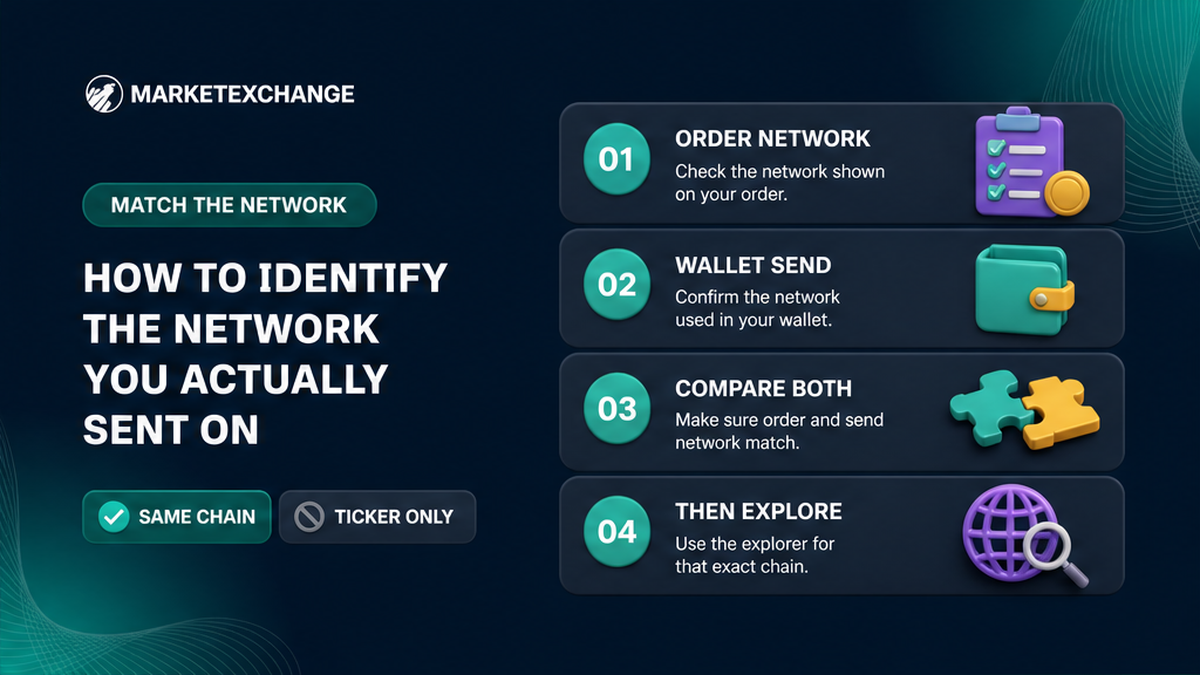
Open the live MarketExchange order and read the network for the asset you sent. Then open the corresponding send in your wallet and read the network that the wallet actually used. The two records must describe the same chain.
“USDT” only identifies the asset family. “USDT TRC20” points to TRON, “USDT ERC20” to Ethereum, and “USDT BEP20” to BNB Smart Chain. ETH and BTC may also be available on more than one network, so one ticker cannot select an explorer.
- Note the exact network on the order page.
- Open the wallet’s send history, not only its receiving-address screen.
- Read the network label, chain selector, or transaction details for that send.
- Compare the order and wallet networks.
- Choose an explorer only after they agree.
For which block explorer for USDT TRC20, use the TRON mainnet explorer, tronscan.org. The published TRON USDT contract is TR7NHqjeKQxGTCi8q8ZY4pL8otSzgjLj6t. That is the token contract, not the order’s deposit address.
If the order says TRC20 and the wallet says Ethereum, stop searching for a better website. The hash belongs to the chain used by the wallet, while the order network is where the deposit was expected. This may be a wrong-network case, not a broken explorer. MarketExchange Terms place responsibility for the wallet address and network on the user, and recovery is not guaranteed.
How to open the explorer for that chain only
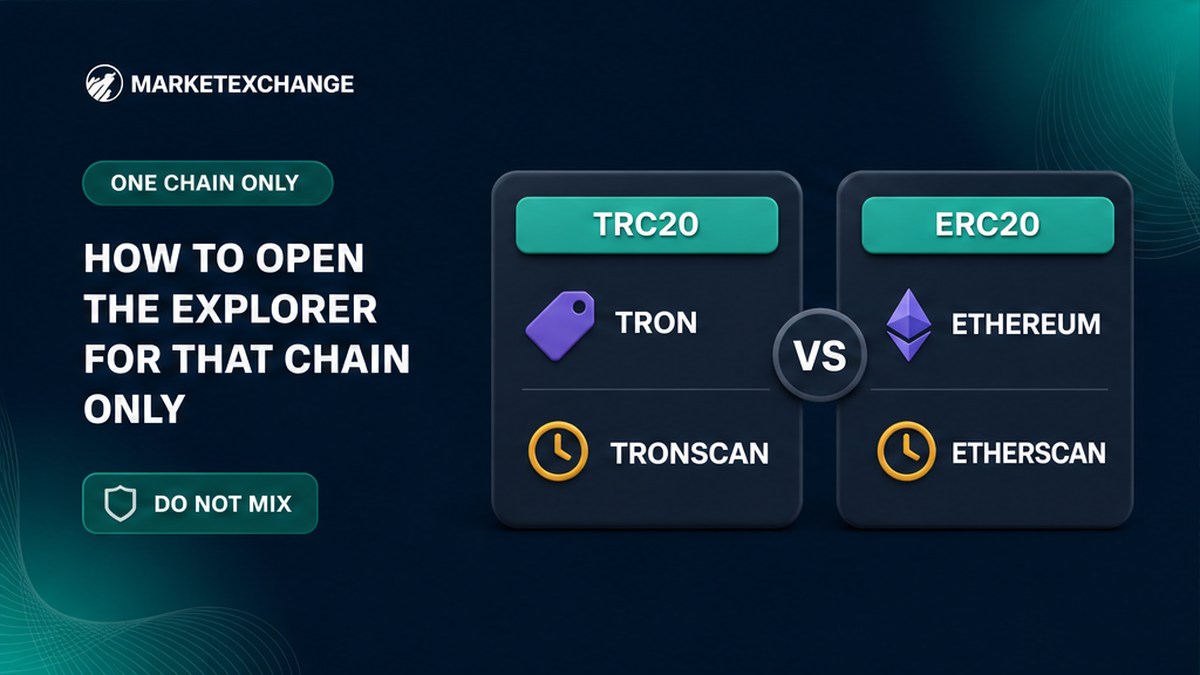
Type the explorer domain yourself or check the destination of a wallet link. Bitcoin, Ethereum, and TRON explorers read different ledgers and are not interchangeable.
| Network | Explorer | Boundary |
|---|---|---|
| TRC20 or TRX | tronscan.org | Use mainnet, not Shasta or Nile. |
| ERC20 or Ethereum | etherscan.io | Ethereum hashes are not TRON hashes. |
| BEP20 or BNB Smart Chain | bscscan.com | An 0x address does not make a transaction Ethereum. |
| BASE | basescan.org | Base is separate from Ethereum mainnet. |
| BTC | mempool.space or blockstream.info | Do not search it on Etherscan. |
| SOL | explorer.solana.com | Use Mainnet Beta and the full signature. |
| TON | The mainnet explorer linked by the wallet | Check the order’s memo or comment when required. |
Ethereum, BNB Smart Chain, and Base can all show 0x addresses, but their transaction histories remain separate. Bitcoin transaction IDs are normally 64 hexadecimal characters; Solana uses a complete base58 signature. For TON, follow the mainnet explorer offered by the wallet and check any required memo or comment.
Step-by-step: paste the full TxID and diagnose “not found”
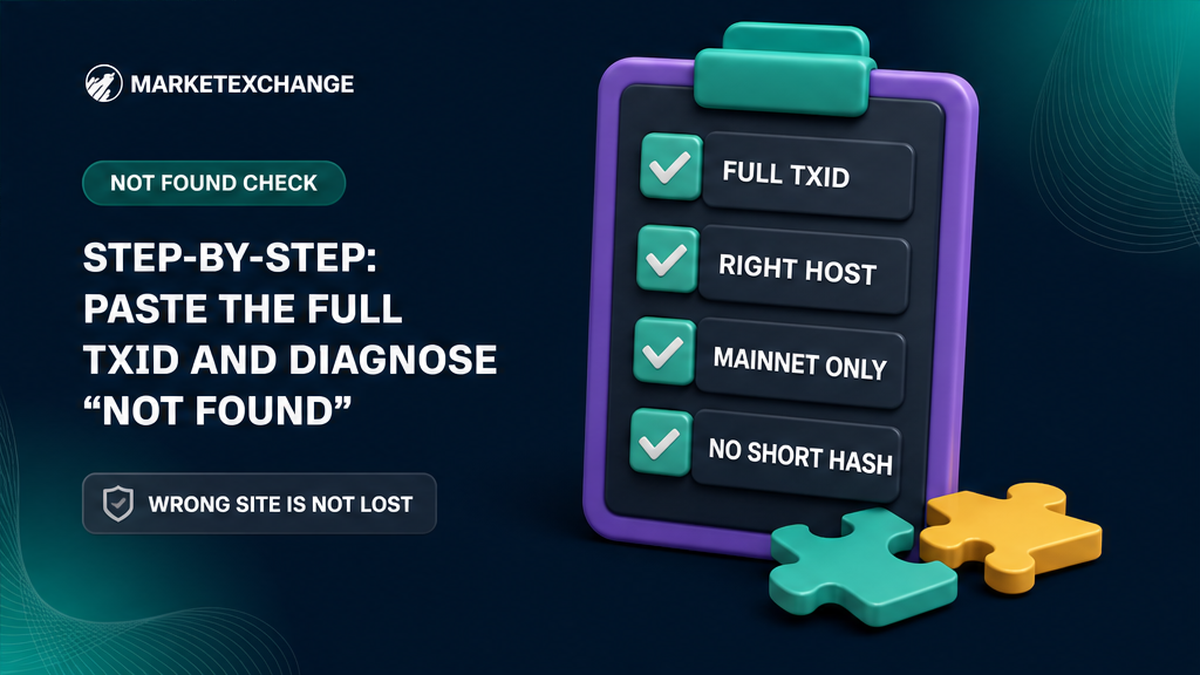
Copy the complete transaction identifier from the wallet and paste it into the matching explorer. Do not retype it from a screenshot, use a shortened notification hash, or remove a leading 0x.
If the explorer cannot find the transaction:
- Confirm that the host belongs to the wallet’s network.
- Compare the copied identifier with the wallet record.
- Confirm that the page is for mainnet, not a testnet.
- Search again with the complete identifier.
- Check whether the wallet marks it submitted, pending, failed, or cancelled.
A wrong explorer creates a misleading absence. Etherscan will not show a TRC20 transaction. Its message “Sorry, We are unable to locate this TxnHash” does not mean that a TRON transfer disappeared; it means the hash is not indexed there. Waiting on Etherscan will not make a TRON transaction appear. The same rule applies to Bitcoin versus Ethereum: use the explorer for the chain that carried the transaction.
How to read status, destination, asset, and amount
A found transaction is not automatically a correct swap deposit. Compare four fields on the explorer page:
- Status: successful, failed, pending, or not yet included in a block.
- Destination: the recipient must match the MarketExchange deposit address.
- Asset and contract: verify the token and contract on the same network.
- Amount: compare the transferred amount with the order requirement.
For USDT TRC20, the published Tether contract is TR7NHqjeKQxGTCi8q8ZY4pL8otSzgjLj6t. For Ethereum USDT, it is 0xdAC17F958D2ee523a2206206994597C13D831ec7. These are different networks and contract addresses. Check the recipient separately from the token contract: a successful status with the wrong recipient or contract does not prove that the order was funded.
Found + correct network + successful + correct destination + correct asset + correct amount: keep the URL and monitor the order. Do not send a replacement merely because the order interface has not refreshed.
How to decide whether to wait or contact support
An on-chain result and an order-status result are different. A confirmed transaction proves that the network recorded the transfer, but the order may still be processing, checking the transaction, or undergoing an operational or AML review.
Successful and all four fields match → wait within the order processing window → if unresolved, prepare one support packet → include the explorer URL for that same network.
MarketExchange Terms state that an exchange is processed within a window of 30 minutes to 72 hours. This is an order-processing window, not a promise about a particular blockchain confirmation or interface update. If the transfer is visible and the details match, do not create a duplicate order or send a second payment.
If the order remains pending, review the stuck crypto swap order status checklist. MarketExchange states that AML and KYC checks apply and that flagged transactions may be suspended or denied.
Contact support when the transaction has the correct network, recipient, asset, and amount but the order does not progress within the relevant process. Send one packet with the order identifier, asset and network, full TxID, and public explorer URL. See the crypto swap support evidence packet checklist.
Use the official MarketExchange support page and its linked channels. The official Telegram channel is t.me/Marketexchange_io. Do not send funds, seed words, private keys, or signing approvals to anyone claiming to accelerate a review.
If the explorer shows the wrong recipient, wrong network, wrong contract, wrong amount, or a failed transfer, stop before sending again. Recovery is only possible where technically feasible and cannot be promised in advance. Keep the original record and use an official support route.
Frequently asked questions
Why does Etherscan not show my TRC20 TxID?
Etherscan indexes Ethereum transactions, not TRON transactions. A TRC20 hash belongs on TRONSCAN. Confirm the wallet used TRON, paste the complete hash, and check the destination, contract, and amount there.
Which block explorer should I use for USDT TRC20?
Use tronscan.org for a USDT TRC20 or TRX mainnet transaction. The order and wallet records must identify TRC20 or TRON.
Is TRONSCAN the official explorer for TRON?
TRON documentation identifies tronscan.org as the graphical mainnet explorer. Check the domain and make sure you are not using a Shasta or Nile testnet host for a mainnet payment.
Can I use a random explorer advertisement?
No. Type the known network explorer domain yourself or verify the wallet link. A public explorer does not need your seed phrase or private key.
Why is my transaction still not found after I copied the hash?
Confirm the chain, mainnet or testnet, and completeness of the identifier. A TRON hash on Etherscan, a Base hash on Ethereum mainnet, or a shortened hash can all produce a not-found result. If the correct explorer still cannot find it, preserve the wallet record and contact an official channel.
What should I do when the explorer says success but the swap is pending?
Compare the status, deposit address, token contract, and amount. If all match, do not resend and allow the order process to continue within the stated 30-minute to 72-hour window. If it remains unresolved, contact official support once with the order details, full TxID, and matching explorer URL.
Should I send the transaction again on the correct network?
No, not before the first transfer is understood. If the order and wallet networks disagree, recovery is not guaranteed. Keep the original evidence and use an official MarketExchange support channel instead of creating a second payment.
Disclaimer: The material in this article is not financial or investment advice. Everything stated here reflects the author's personal view and should not be treated as a recommendation to trade or invest. We make no warranties regarding the accuracy, reliability or completeness of the information presented. Cryptocurrency markets are highly volatile and can move unpredictably. Before committing any funds, every investor, trader or crypto user should study several independent sources and check the regulations that apply in their own jurisdiction.